
Product guide · Inside a site
Overview
Overview is the first tab you see when you open a client site. It answers two questions before you start work: does AlmaSEO know enough about this business to write well for it, and is everything connected? Below that sit the site’s search snapshot, its post counts and its IndexNow setup.
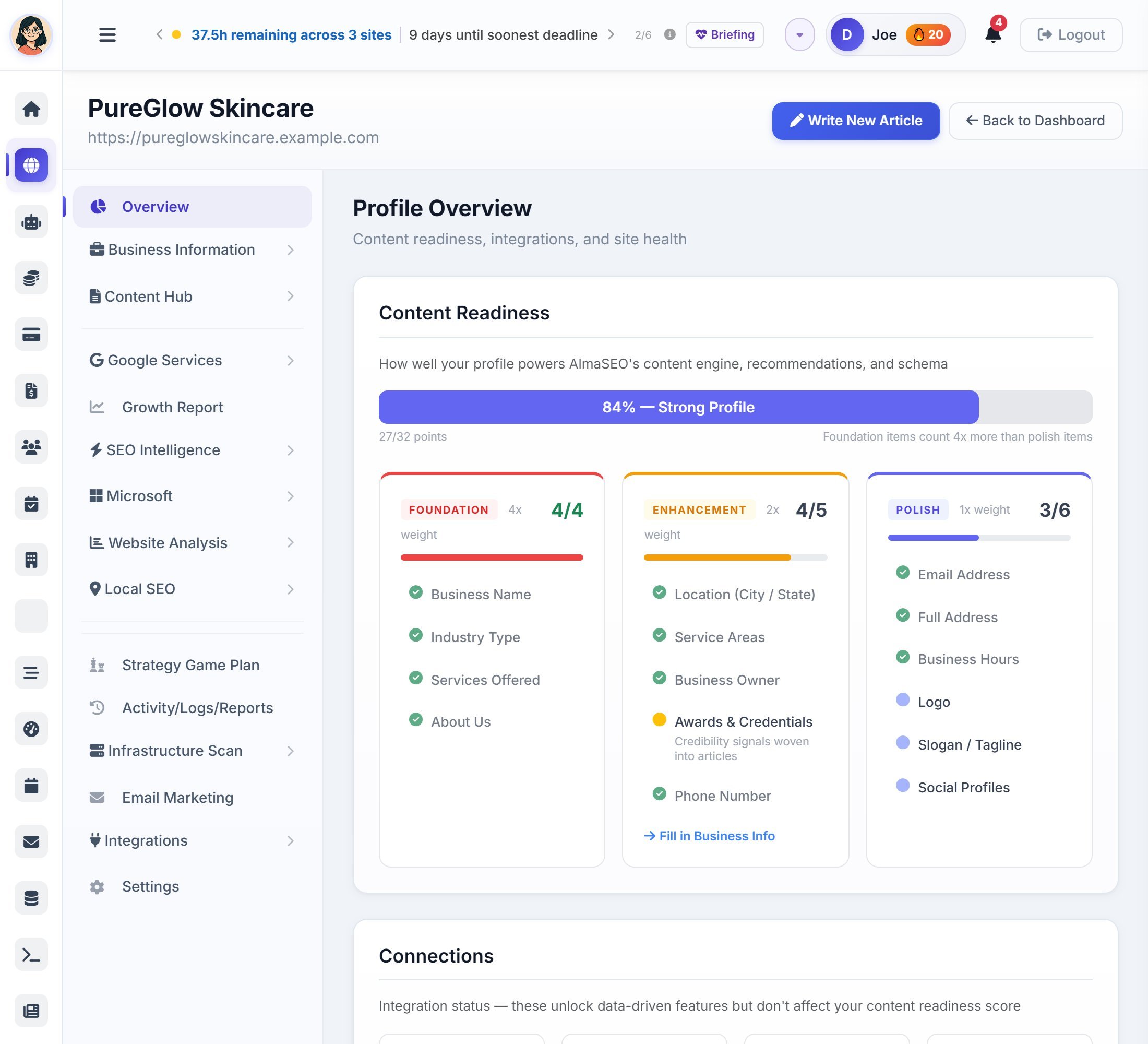
Above the cards, AlmaSEO shows a banner only when something needs fixing first: the WordPress publishing token has expired or is about to, the business profile is missing a key detail, or a WordPress site isn’t connected yet. Each banner links straight to the fix.
Content Readiness
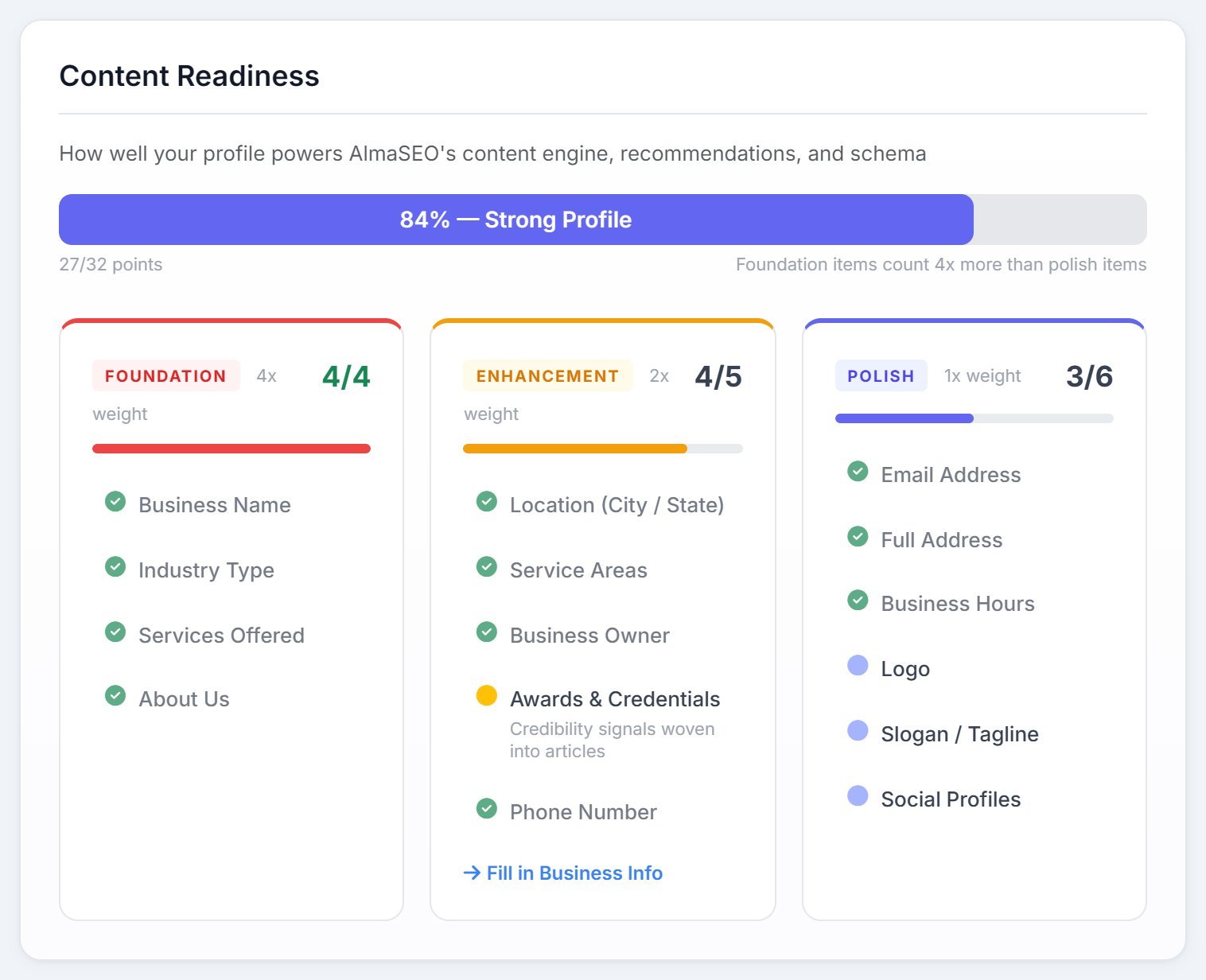
Everything AlmaSEO writes for a client, from articles to schema to bylines, draws on the business details you’ve given it. Content Readiness scores how complete those details are, out of 32 points, and shows what’s missing.
- Foundation (4 points each)
- Business Name, Industry, Services Offered and About Us. These shape every article, so they count the most.
- Enhancement (2 points each)
- Location, Service Areas, Business Owner, Awards & Credentials and Phone Number.
- Polish (1 point each)
- Email, Full Address, Business Hours, Logo, Slogan and Social Profiles.
The bar reads Getting Started, Foundation Needed, Good Base, Strong Profile or Fully Loaded. Missing items explain why they matter, and Fill in Business Info takes you to Business Information.
Connections
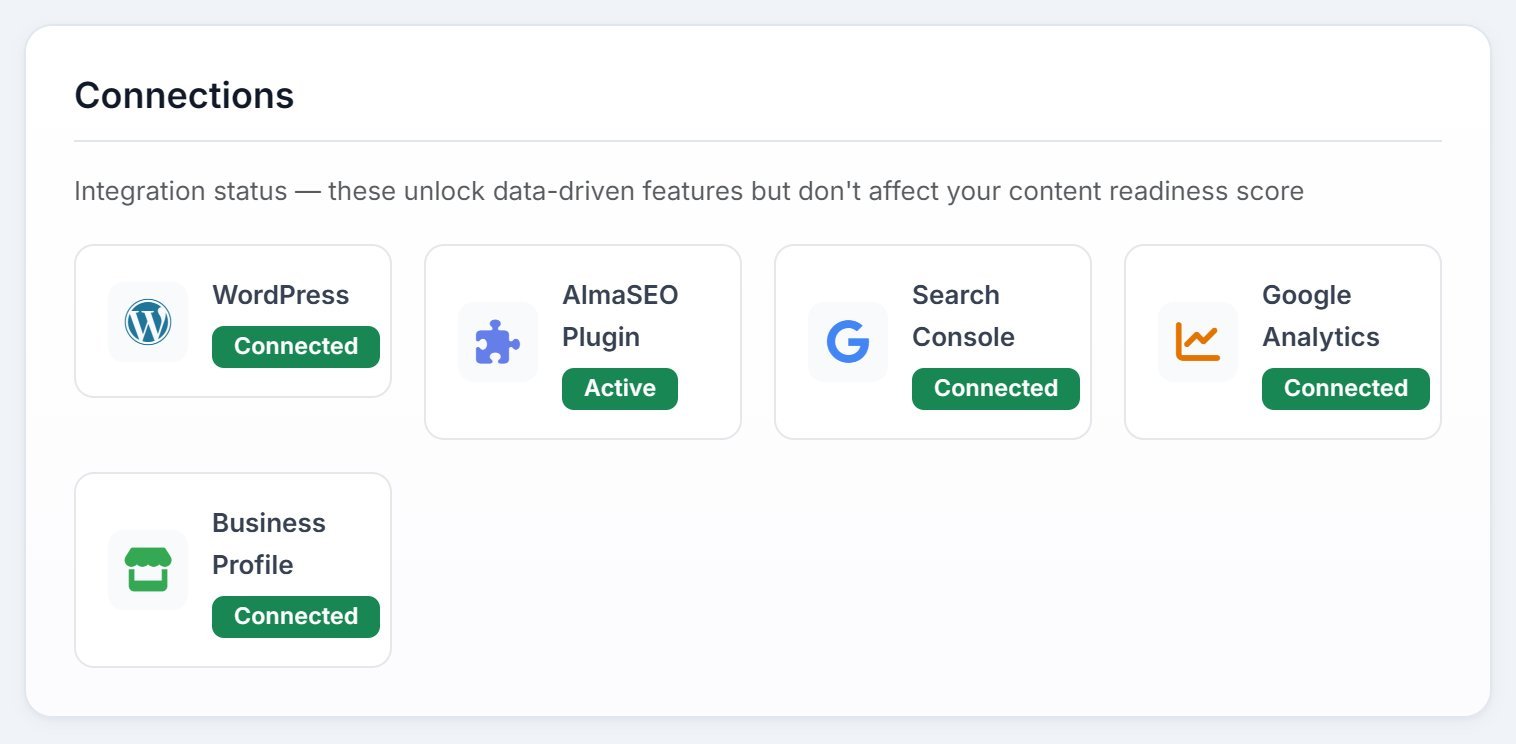
- WordPress and AlmaSEO Plugin
- Whether AlmaSEO can publish to the site, and whether the plugin is installed and active. Static sites don’t show these two.
- Search Console, Google Analytics and Business Profile
- Whether each Google account is connected for this site. Anything not connected has a Connect link to the right tab.
eCommerce Platform
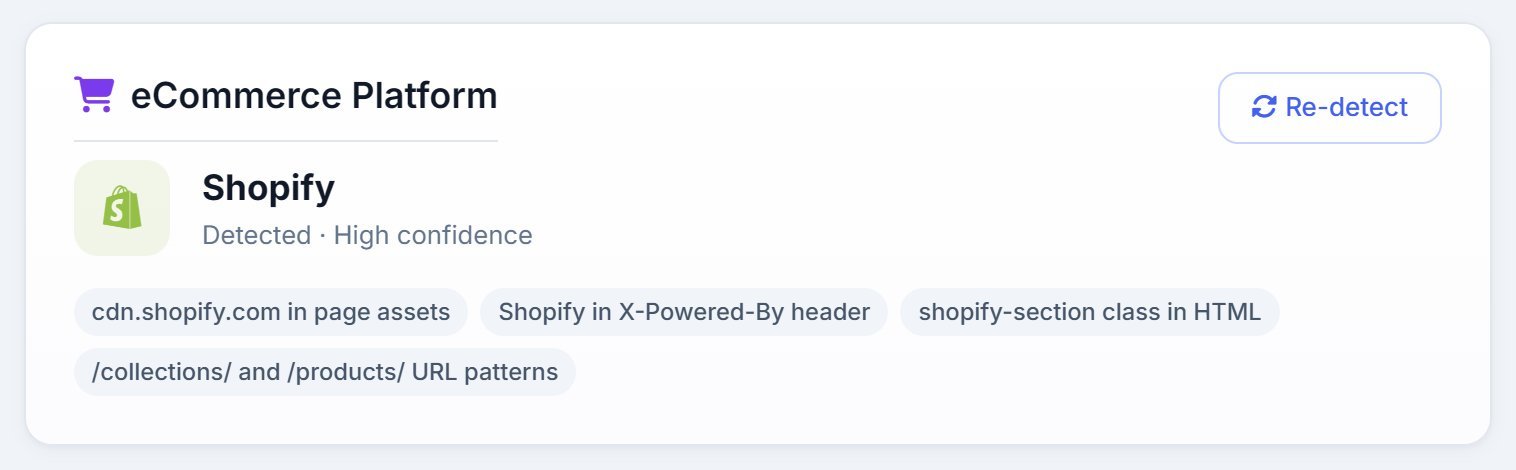
If the site is an online store, this card names the platform (Shopify, WooCommerce and others), how confident the detection is, and the evidence behind it. Detect checks a site that hasn’t been scanned yet; Re-detect checks again after a migration.
SEO Snapshot
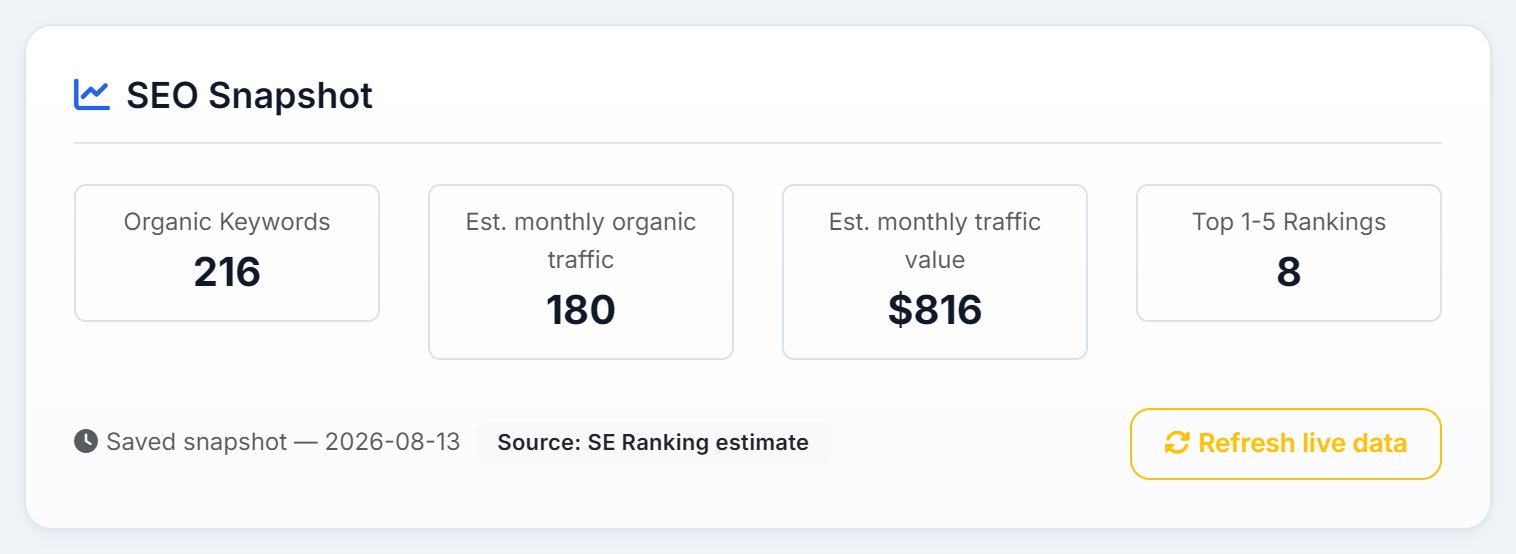
A quick read of the domain’s search footprint: how many keywords it ranks for, an estimate of its monthly organic traffic and what that traffic would cost in ads, and how many keywords sit in the top five. If the domain runs ads, a second row shows paid keywords, traffic and cost.
These are SE Ranking’s estimates, not your client’s Search Console numbers, and the card says so. Viewing the saved snapshot is free, however old it is. Refresh live data buys a fresh one with Data Credits and asks you to confirm first.
Quick Stats
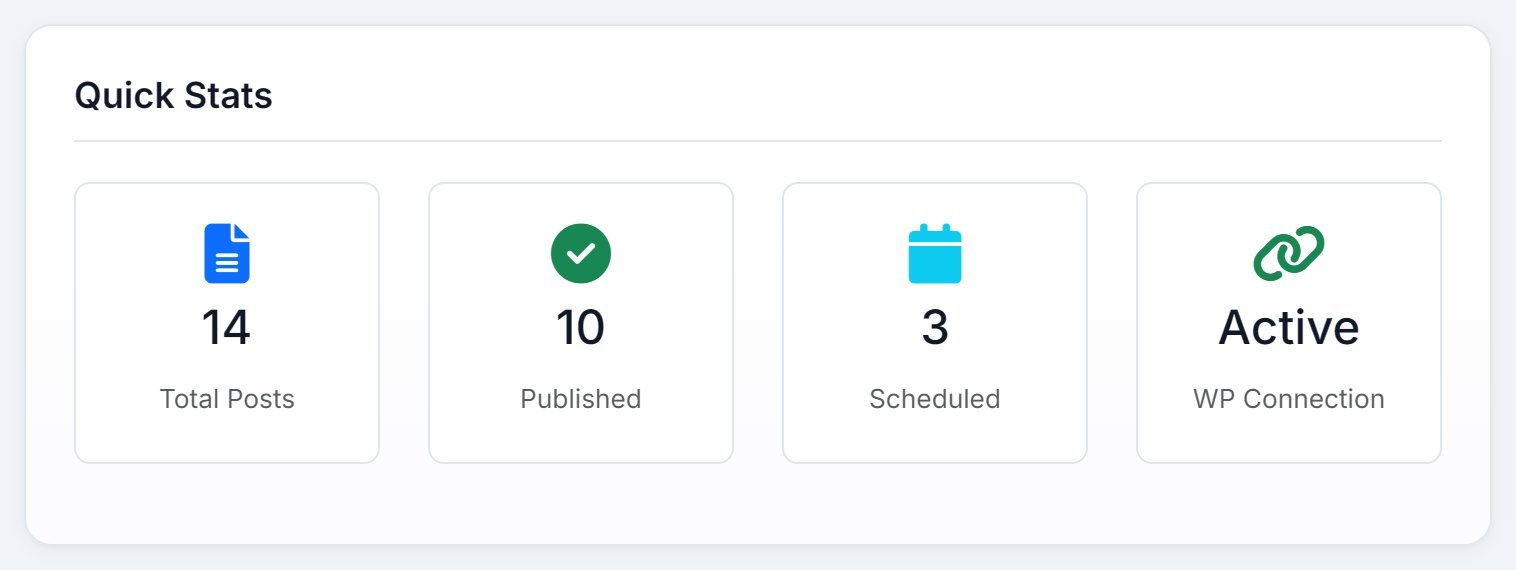
Total Posts is everything published, scheduled and in draft. Published and Scheduled count those two on their own. The fourth tile is the WordPress connection, or the Search Console status on a static site.
IndexNow
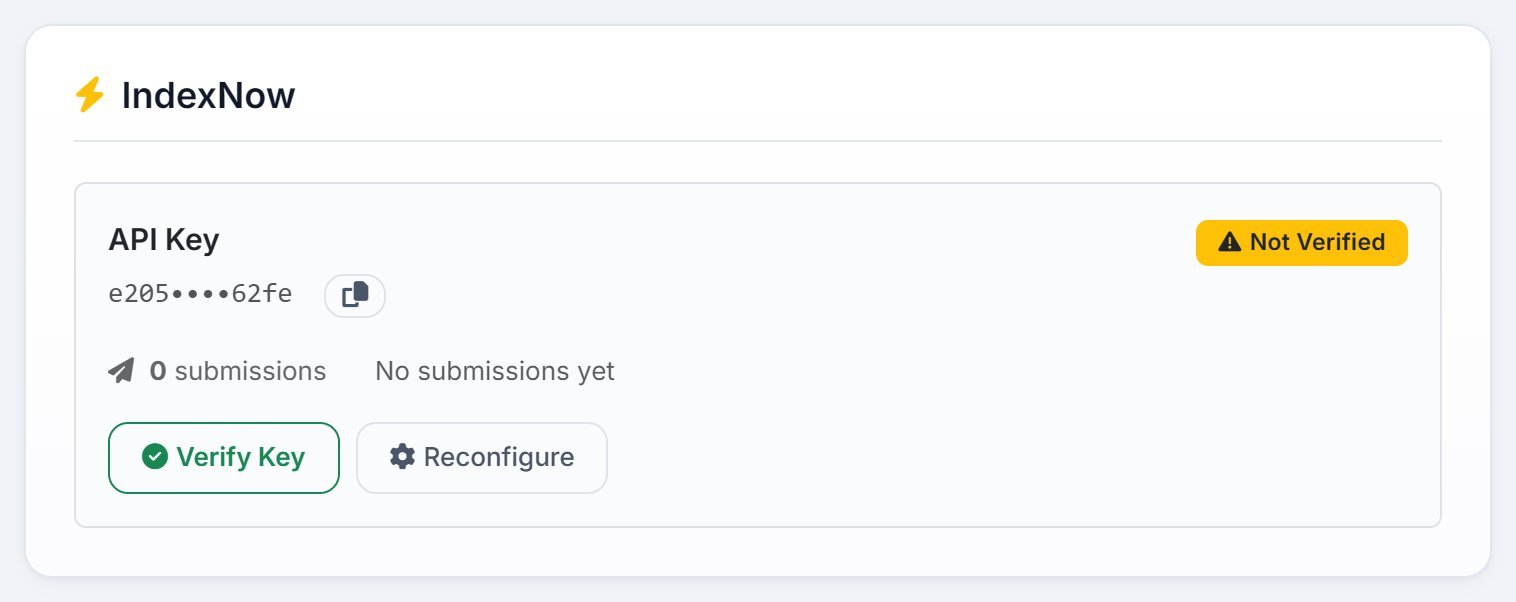
IndexNow is how a site tells search engines that use it, such as Bing, that a page is new or has changed. AlmaSEO sets it up in three steps:
- Generate Key creates the site’s key.
- Put the key file on the site, as the setup steps show.
- Verify Key checks the file is there. The badge turns to Verified.
Once it’s set up, the card counts the submissions AlmaSEO has made and shows the last one. Reconfigure brings back the setup steps and lets you generate a new key.
Build projects
A Website Build Project has no live site yet, so its Overview tracks the build instead:
- Project Progress
- Tasks done out of the total, with In Progress, Completed and Overdue counts.
- Upcoming Deadlines and Milestones
- Tasks due in the next seven days, and the checkpoints you’ve marked as milestones.
- Client Info Readiness
- The nine things you need from the client to build, from the logo to the services, and which are still missing.
- Quick Actions
- View All Tasks, Add Task, Edit Client Info, Branding and Log Work.