
Product guide · Tools
Email Marketing
Email Marketing is your agency’s own newsletter: an SEO newsletter to your client list and your prospects, built from blocks, sent through your Mailchimp account, and kept with the rest of your work. It is your list, not a client’s — the Mailchimp connection inside a client site is a separate thing.
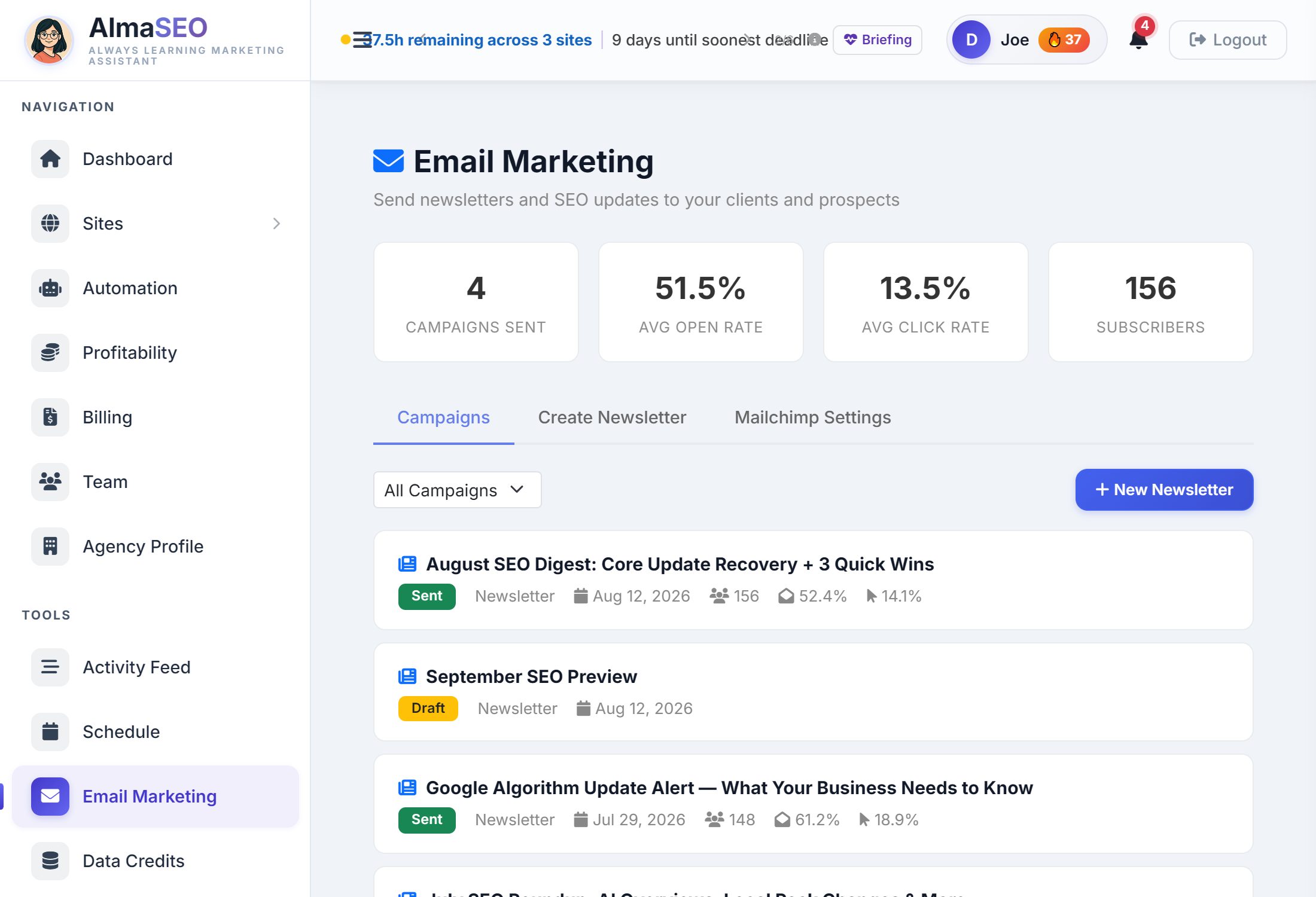
Most agencies tell their clients what happened by email, and most of them write that email from scratch every month. This page is the shortcut: a subject line, a few blocks, your Mailchimp list, send. Everything you send from here is kept, so the next one starts from the last.
The four numbers

- Campaigns Sent
- Newsletters you have sent from here. Drafts don’t count.
- Avg Open Rate and Avg Click Rate
- Averaged across those campaigns, from Mailchimp’s own report for each one. A campaign Mailchimp hasn’t reported on yet shows a dash rather than a zero, so a newsletter sent an hour ago can’t drag your average down.
- Subscribers
- Everyone on your Mailchimp lists, read live from your account.
Campaigns
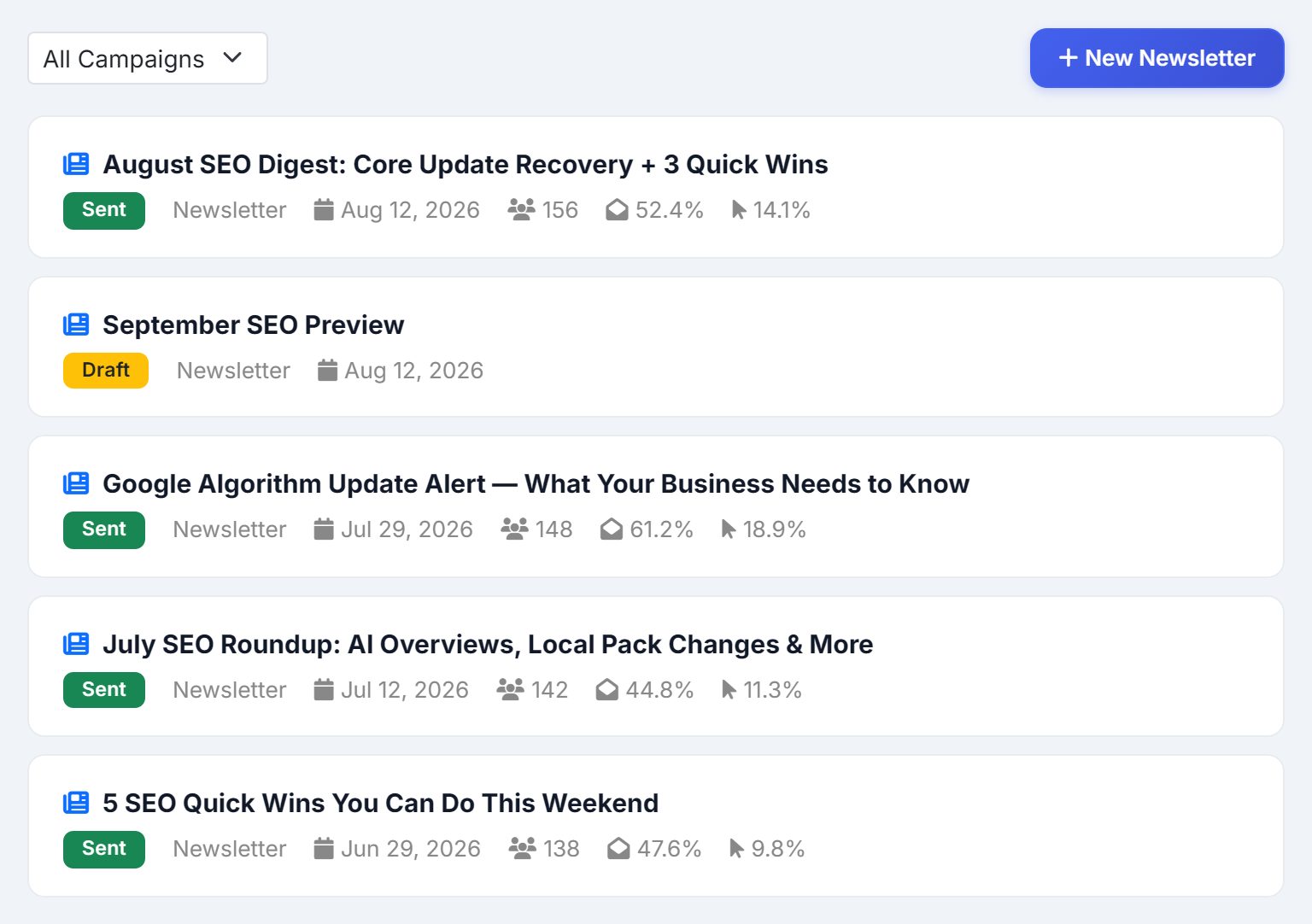
The first tab is the history: each newsletter with its subject, a Sent or Draft badge, the date, how many people it went to, and its open and click rates. The menu narrows the list to All Campaigns, Sent or Drafts, and New Newsletter starts the next one. Before you have sent anything, the tab offers to write the first.
Building a newsletter
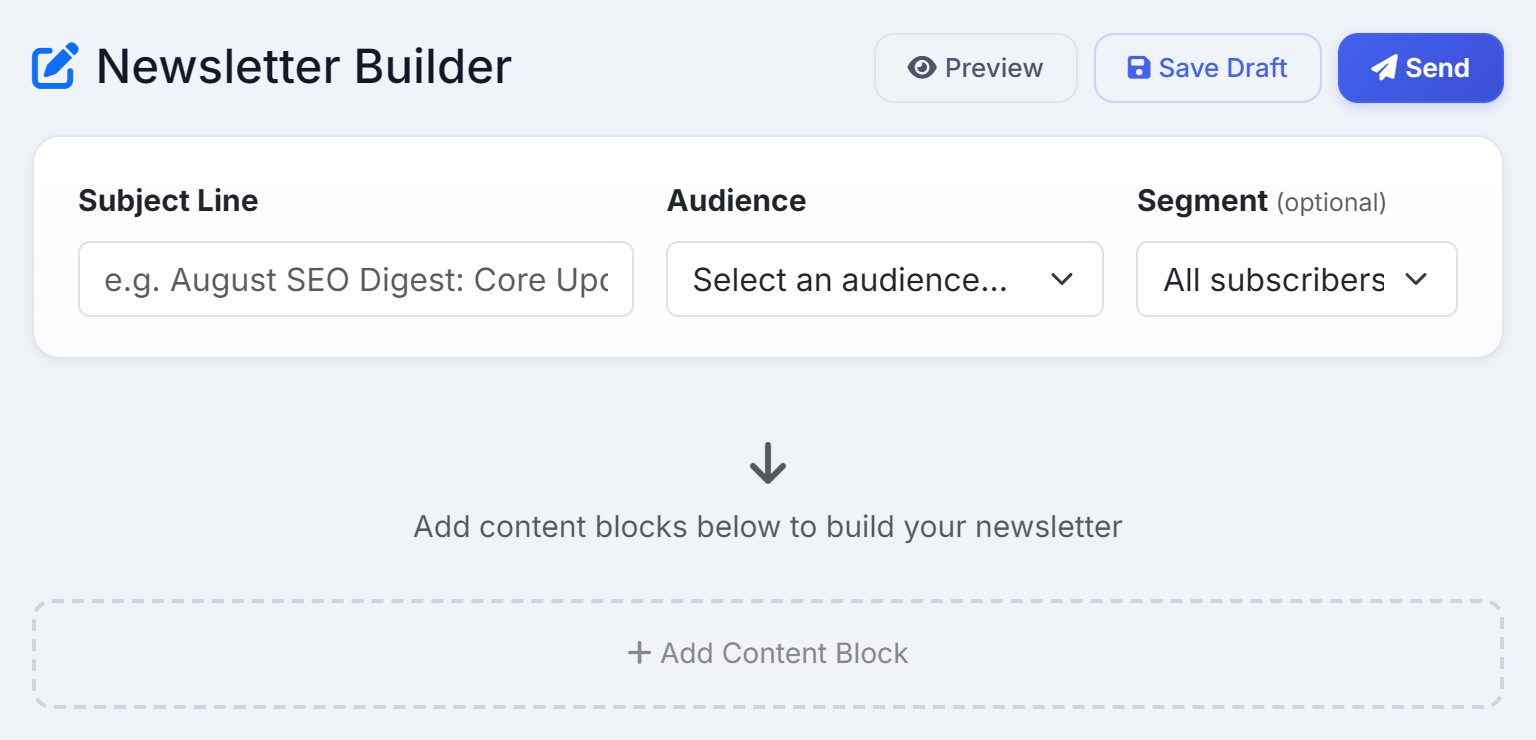
- Subject Line
- What lands in the inbox. It is also how the campaign is labelled in your history.
- Audience
- Which of your Mailchimp lists to send to.
- Segment
- Optional. A slice of that list — current clients, past clients, people who opened the last one.
Then you stack up blocks, in the order you want them read, and the three buttons across the top do the rest: Preview shows the email as it will arrive, Save Draft keeps it without sending, and Send hands it to Mailchimp.
The five blocks
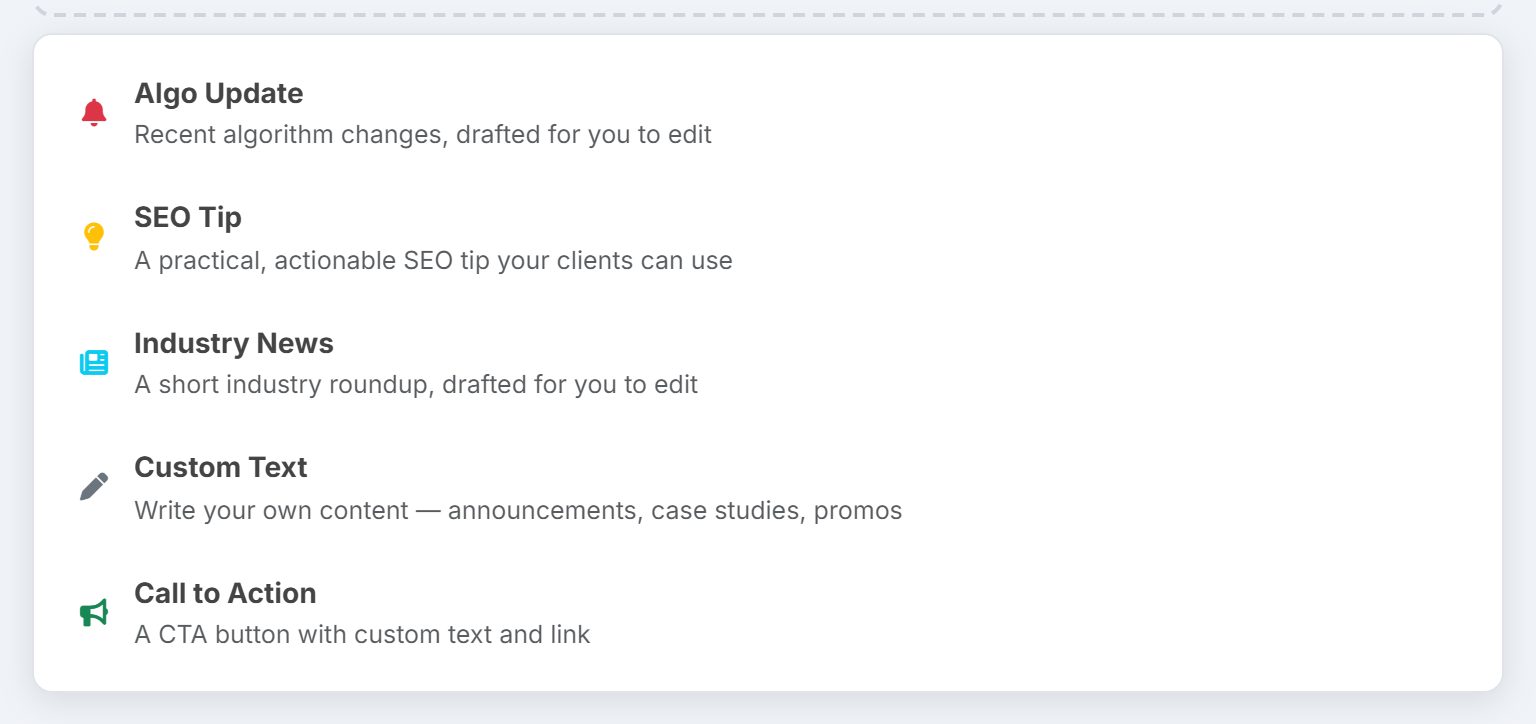
- Algo Update
- Recent algorithm changes, drafted for you.
- SEO Tip
- One practical thing a client can act on.
- Industry News
- A short industry roundup, drafted for you.
- Custom Text
- Your own words: an announcement, a case study, an offer.
- Call to Action
- A button, with your text and your link.
The first three come back written, and every one of them is a draft to edit rather than a report to forward. AlmaSEO writes them from what it knows about SEO, not from a live feed, so read each one and make it yours — put your client’s name in it, cut the half that doesn’t apply, and add the thing that actually happened this month.
Mailchimp Settings
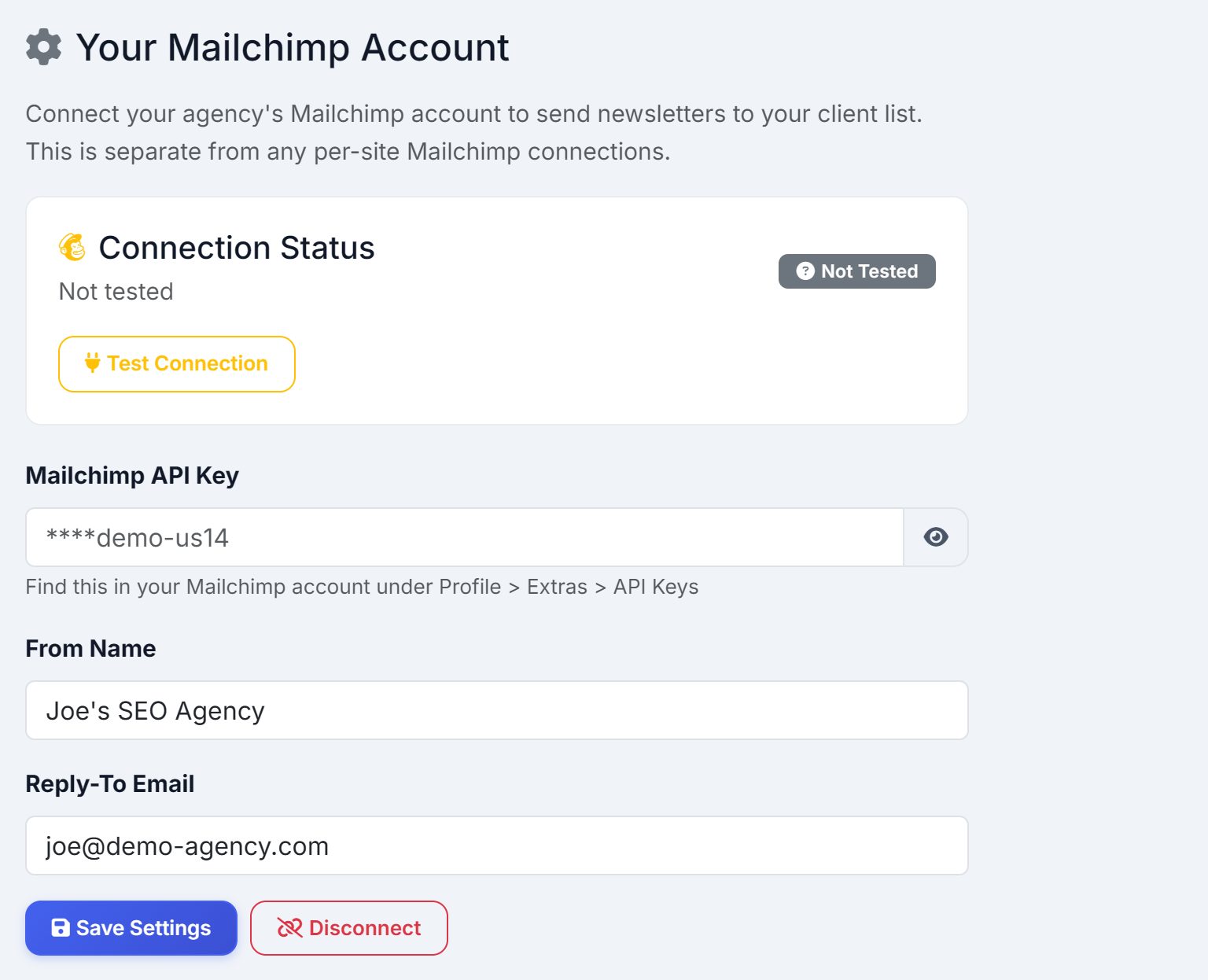
The third tab is the connection. Paste your Mailchimp API key, set the From Name your clients will see and a Reply-To address a person actually reads, and save. Test Connection proves it works, and the status beside it says whether AlmaSEO can reach your account. Disconnect removes the key.
This is your agency’s Mailchimp account and your agency’s list. It is separate from the Mailchimp connection inside a client site, which sends that client’s own campaigns to their own subscribers. Connecting one does nothing to the other.