
Product guide · Tools
Data Credits
Data credits are how AlmaSEO pays for the handful of checks that buy fresh data from outside providers — a live SERP check, an AI Overview scan, a link profile. Everything else in AlmaSEO runs without them. You buy credits when you want those checks, and they sit on the account until you use them.
What they are
Almost everything in AlmaSEO is included in the plan: the audits, the content, the reports, the client portal, the work log. A few checks are different. They ask an outside data provider for something live — where a page ranks right now, what the AI Overview says today, who links to a competitor — and that costs AlmaSEO real money each time.
Rather than build that cost into everyone’s subscription, AlmaSEO meters it. Credits are bought when you want them and they are not part of a plan, so an agency that never runs a live check never pays for one.
What spends them
The metered checks are the ones that go out and fetch something live:
- A live SERP check — the real results page for a keyword, right now.
- An AI Overview scan — whether the AI answer mentions the site, and who it cites instead.
- A local rank check — position from a particular place.
- Keyword volume and keyword tracking — search demand, and positions followed over time.
- A domain overview, a link profile or a link gap against a competitor.
Each of those tells you what it will cost before it runs, on the screen where you run it, and refuses rather than surprising you when the balance won’t cover it. That is deliberate: the number you see at the moment of spending is the live one, which is why this page doesn’t print a price list that could drift out of date.
Your balance
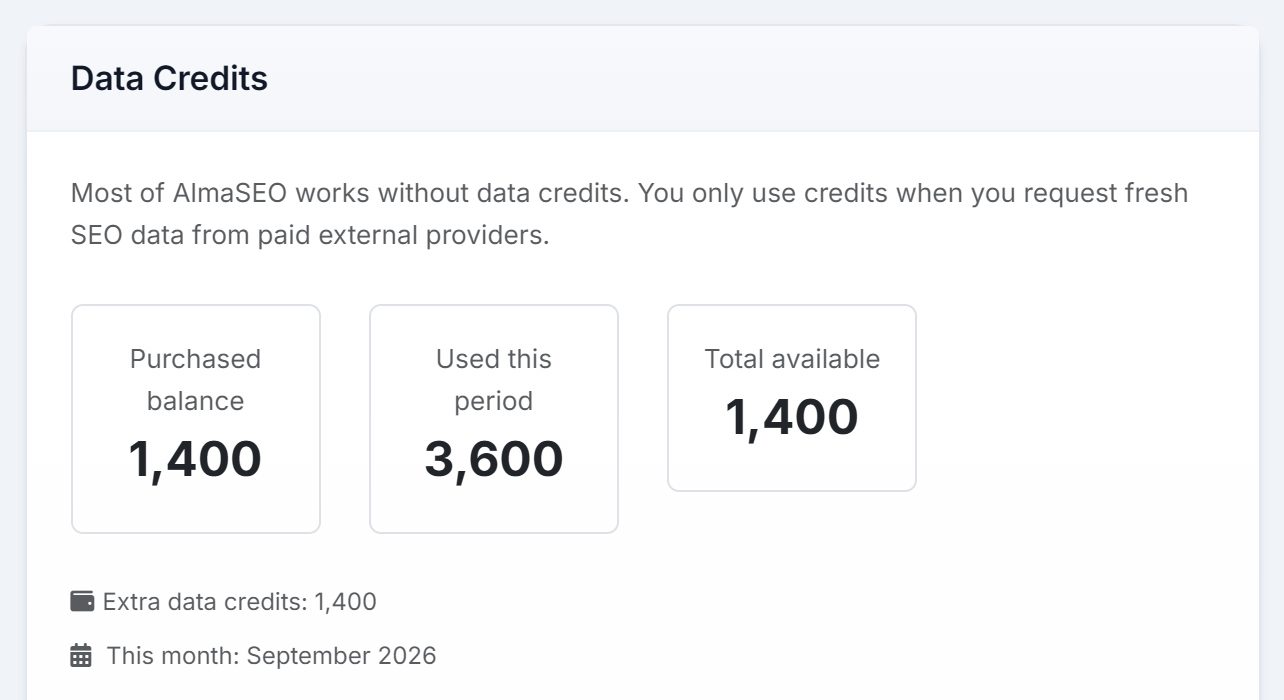
Once an account has credits or any history, three figures sit at the top of the page:
- Purchased balance
- What you bought and haven’t spent.
- Used this period
- What has gone out recently, so a busy month is visible while it happens.
- Total available
- What you have left to spend. It turns amber when the balance is getting low and red when it is gone.
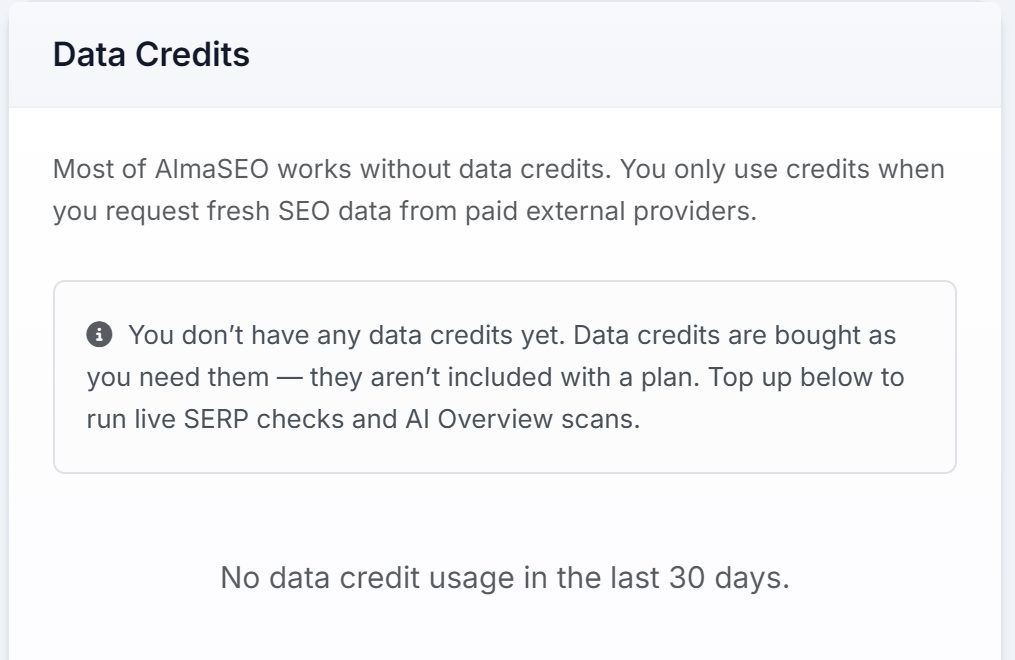
An account that has never bought any sees that note instead, with the packs underneath.
Recent activity
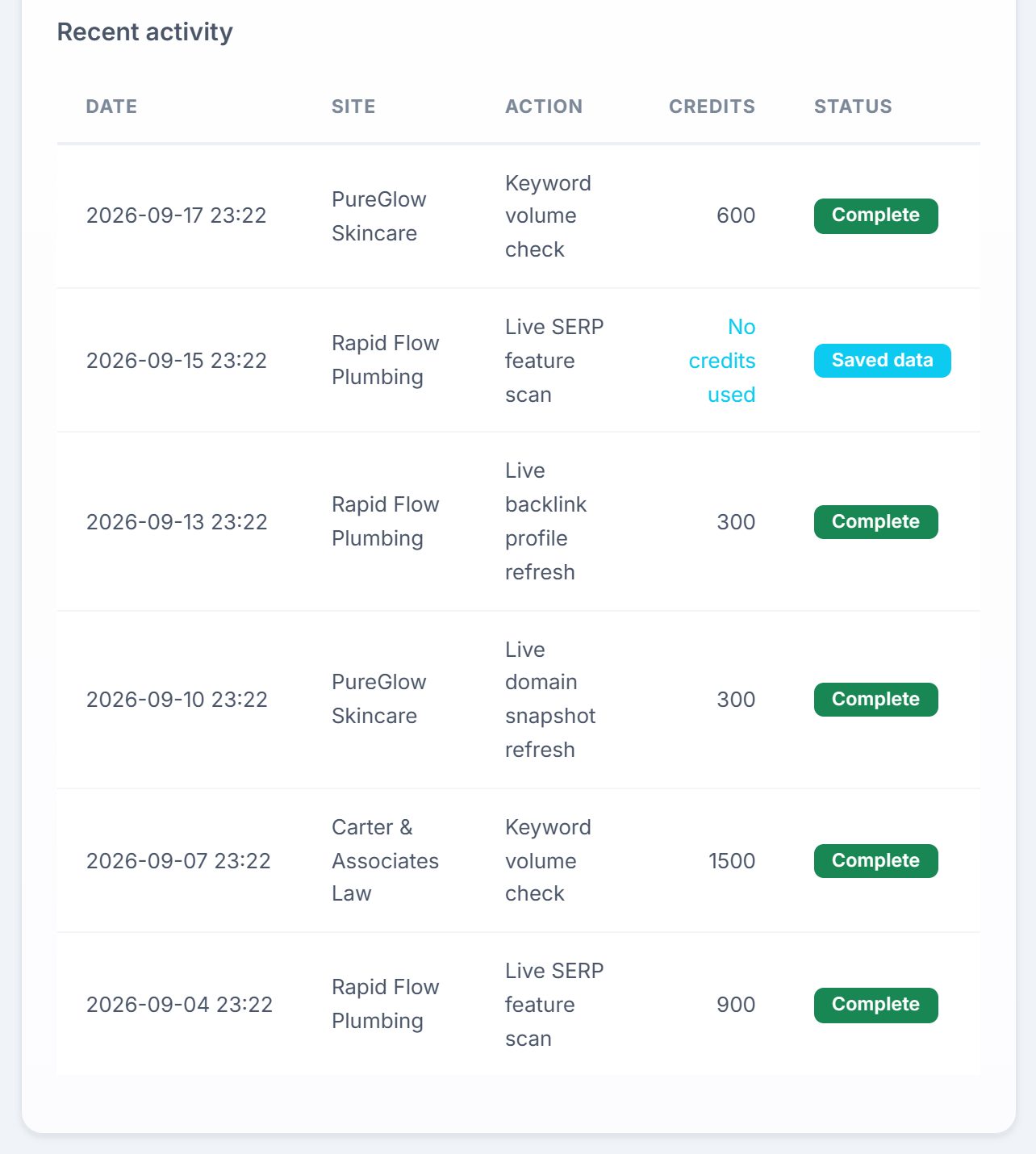
Under the balance, every metered check that ran: the date, the site it ran for, the action, the credits it used and its status. A check served from saved data rather than fetched fresh reads Saved data and No credits used, which is worth noticing — it means AlmaSEO already had the answer and didn’t buy it twice.
Topping up
The bottom of the page is Add extra data credits: a few pack sizes, each with its price and a button that takes you through checkout. The pack sizes and prices are on that screen, live, so they are always the current ones.
Two things worth knowing. Credits remain available until used — nothing expires at the end of a month. And they are bought separately from your subscription, on their own checkout: your plan is one bill, credits are another.