
Product guide · Navigation
Agency Profile
Agency Profile is your agency’s public page on AlmaSEO: who you are, what you do, the results you’ve had, and a form that sends new client inquiries straight to your inbox. Fill it in once, submit it for review, and it becomes a page you can share, badge your website with, and collect leads from.
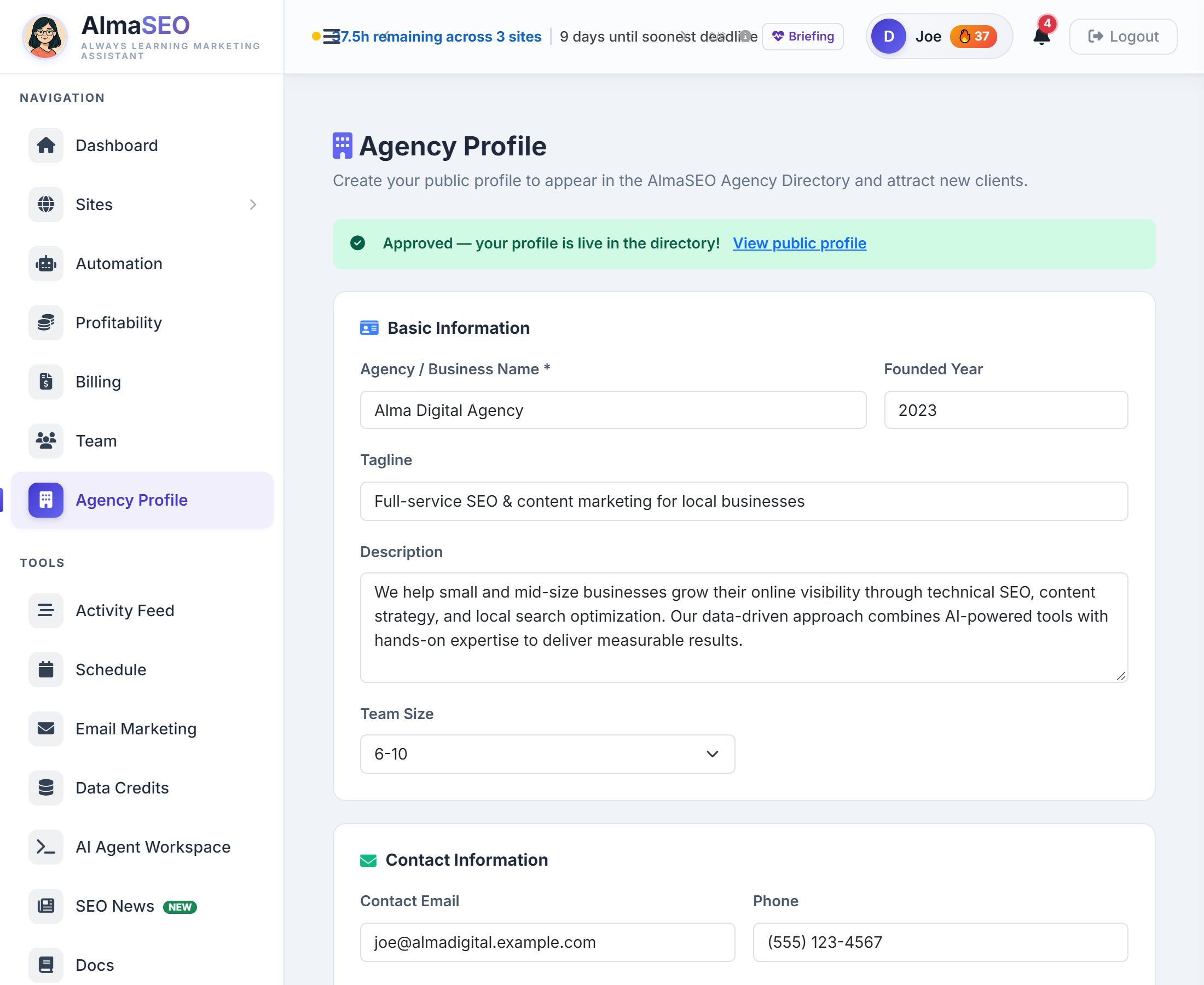
How to get SEO clients is the question every agency asks, and the answer is rarely one channel. Your agency profile is one more place a prospect can find you, read what you do, see proof, and get in touch, with no extra site to build. It’s also where your AlmaSEO work shows: the public page counts the sites you manage and the articles you’ve published.
There is one profile per agency and it belongs to the account that owns the subscription. Everyone on the team opens the same profile from the same sidebar link: the Owner and any Manager can edit it and submit it, while an Analyst or Viewer sees it filled in but gets no Save or Submit button.
The editor is one long form in five parts. Only the agency name is required, but every section you complete is one more reason for a prospect to write to you.
Basic Information
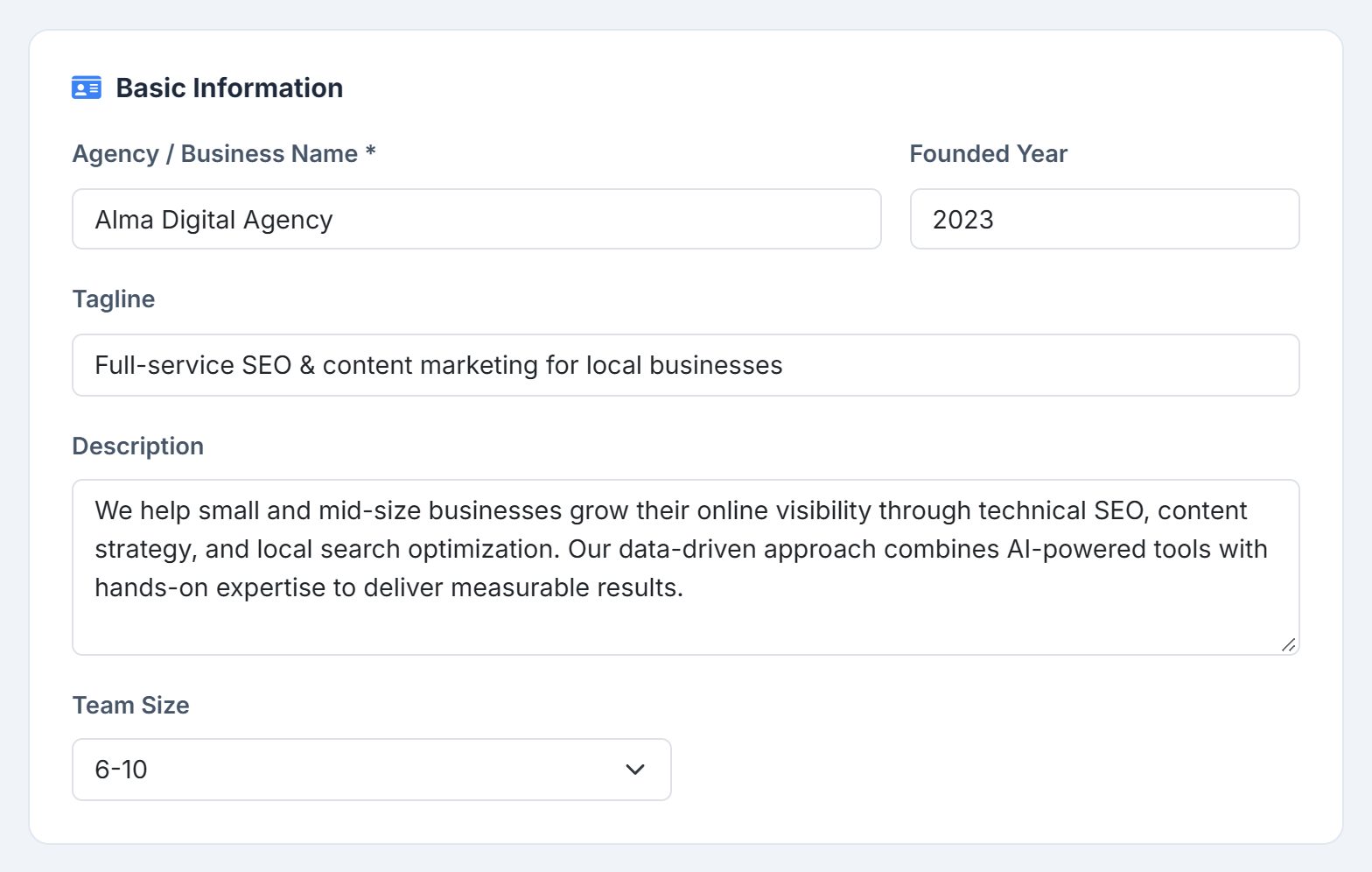
- Agency / Business Name
- Required. It becomes the headline of your public page and its web address. Rename the agency before you’re approved and the web address follows the new name; at approval the address locks, so from then on you can rename freely and every link you’ve shared keeps working.
- Founded Year
- Shown as “Est.” under your name.
- Tagline
- One line under your name. Say who you help and how.
- Description
- The About section: your approach and what makes you different, up to 2,000 characters.
- Team Size
- From Solo / Freelancer up to 100+.
Contact Information
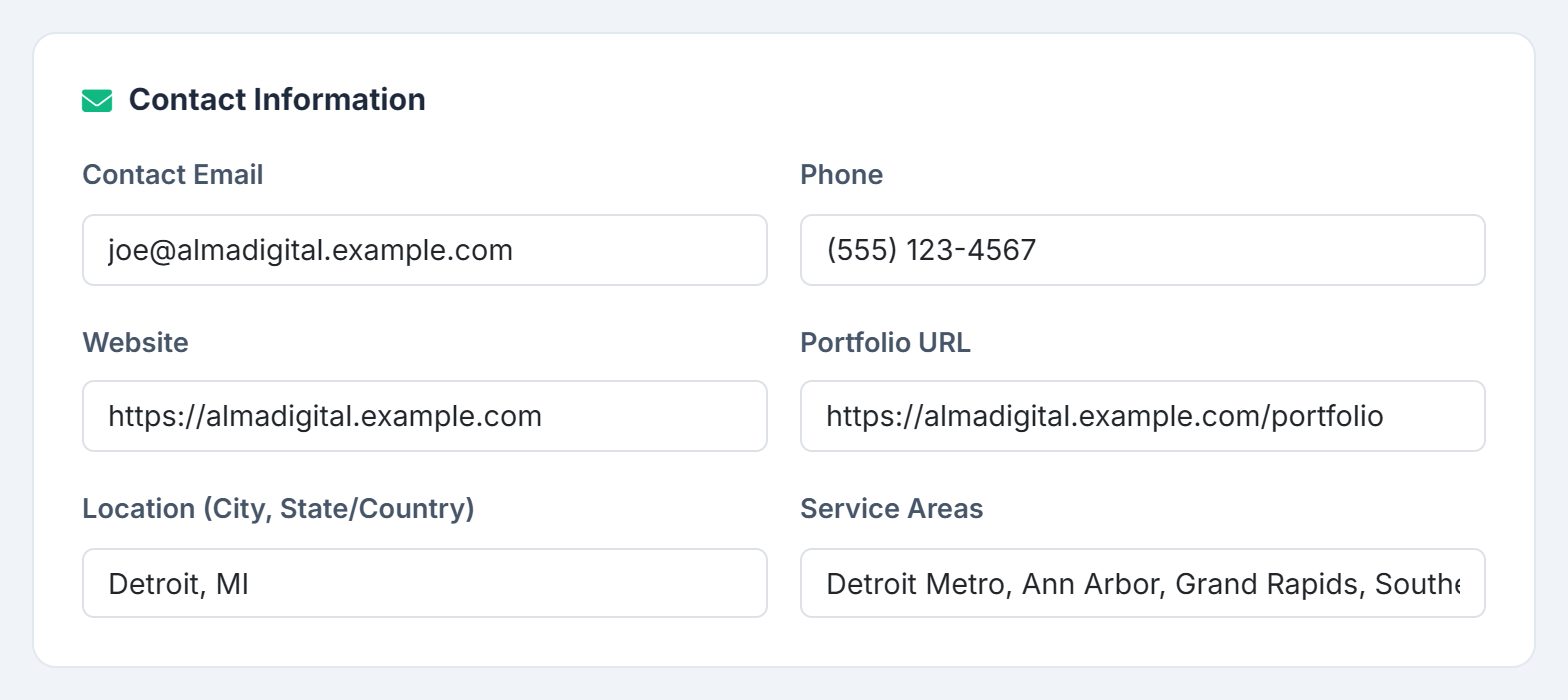
- Contact Email
- Where inquiries from your public page are emailed. Leave it blank and leads still collect in the editor, but nothing reaches your inbox.
- Website, Portfolio URL
- Both are linked from the top of your public page, so a prospect can see your site and your work before they write to you.
- Phone
- Shown at the top of your public page as a tap-to-call link, so a prospect on a phone reaches you without typing anything.
- Location
- City and state or country, shown under your name.
- Service Areas
- Where you take clients: a list of regions, or Remote / Worldwide.
Services Offered
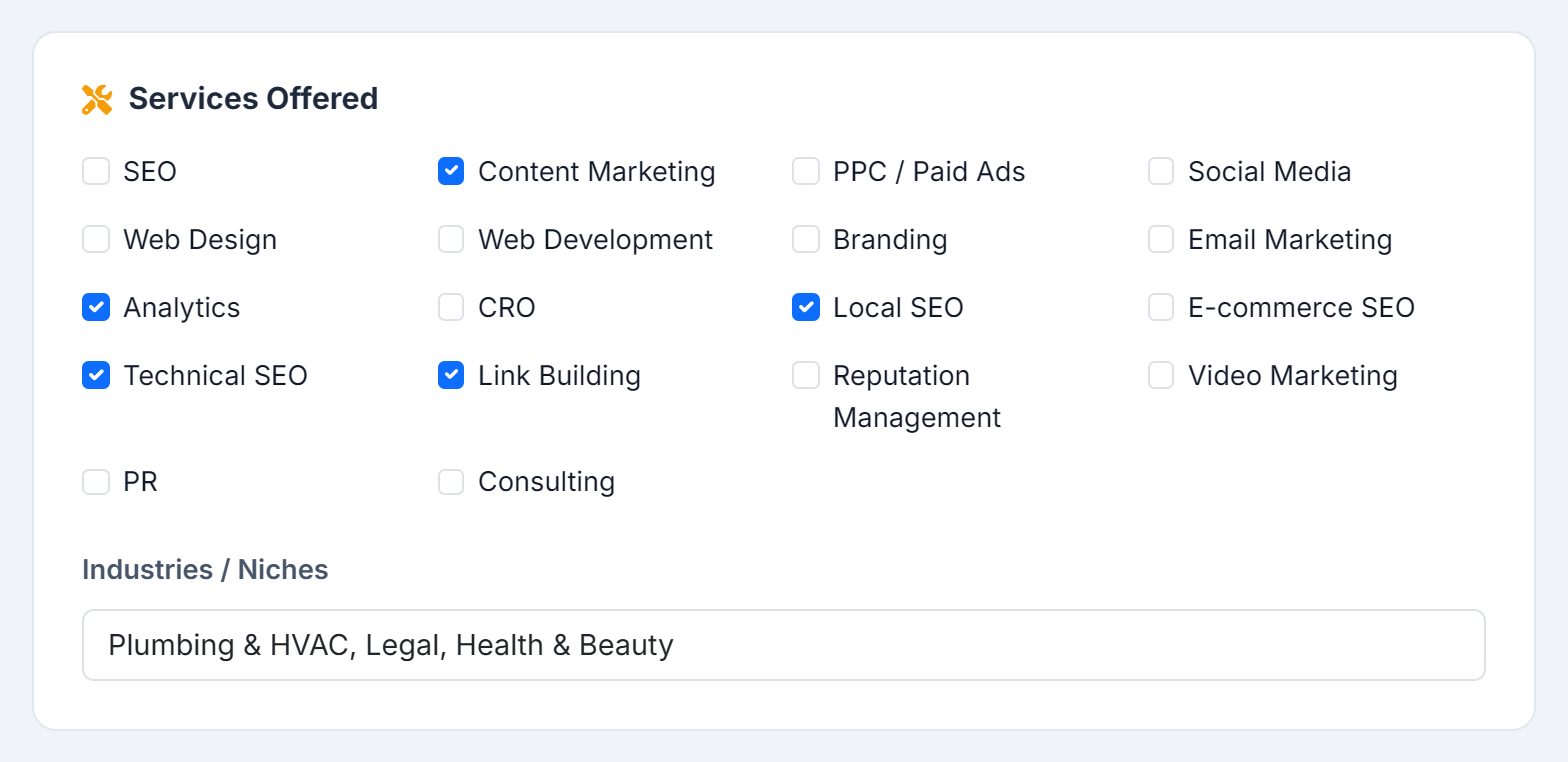
Eighteen services to tick: SEO, Local SEO, Technical SEO, E-commerce SEO, Link Building, Content Marketing, PPC / Paid Ads, Social Media, Web Design, Web Development, Branding, Email Marketing, Analytics, CRO, Reputation Management, Video Marketing, PR and Consulting. Each one shows as a tag on your public page. Industries / Niches underneath is free text: the kinds of business you have the most experience with.
Case Studies
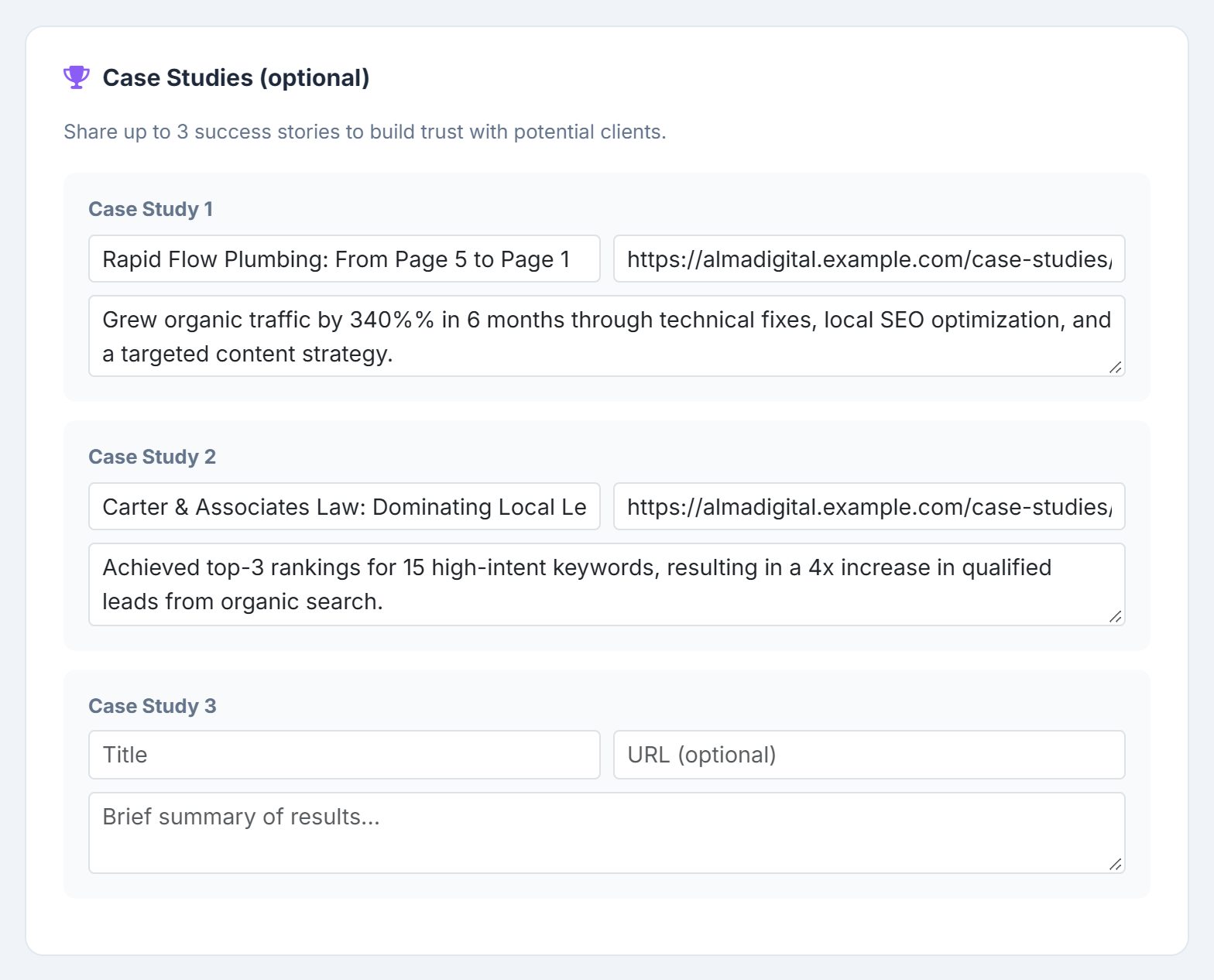
Optional, and the section that sells. Each of the three slots takes a title, a link to the full story, and a summary of results in up to 500 characters. On your public page each one gets its own card with a Read more link.
Social Media
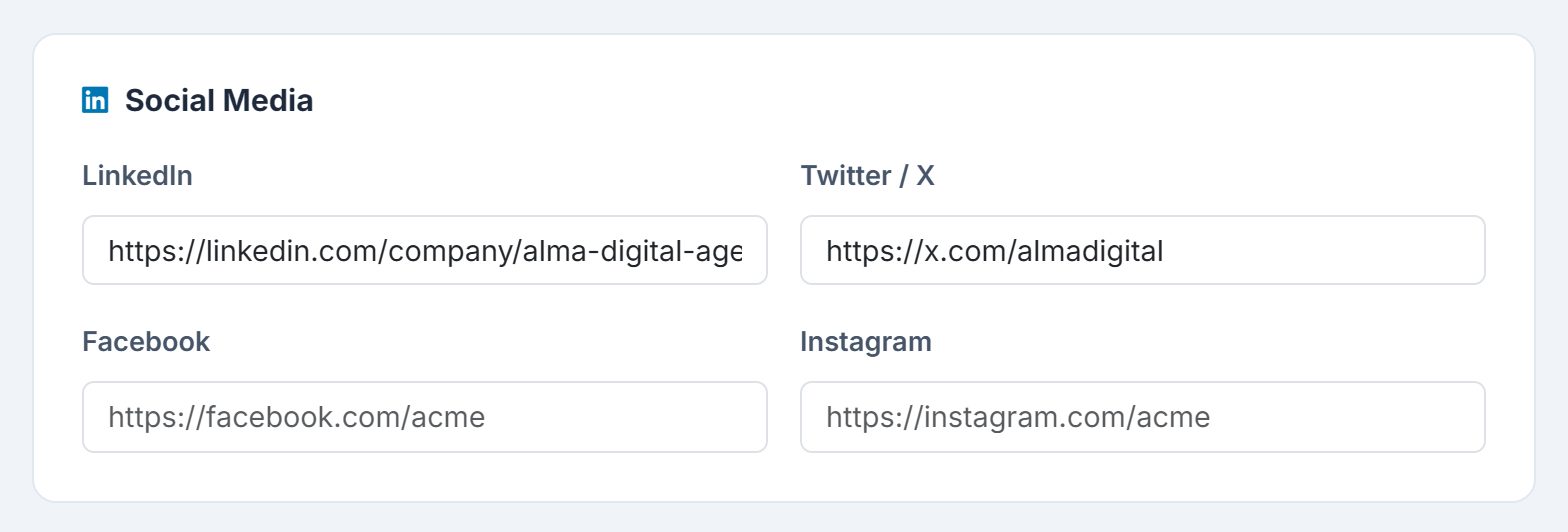
LinkedIn, Twitter / X, Facebook and Instagram. Any you fill in appear as icons in a Connect section on your public page; empty ones don’t show.
Save and submit for review

Save Draft keeps your work without publishing anything — there is no public page yet for it to change. Submit for Approval saves and sends the profile to the AlmaSEO team for review. A status bar at the top of the editor then tells you where it stands:
- Draft
- Saved, not yet submitted.
- Pending Review
- Submitted and waiting for the team.
- Approved
- Your profile is live, with a link to your public page.
- Changes Requested
- The reviewer’s note on what to fix. Make the changes and submit again.
- Revoked
- Your profile has been taken offline, with the reason if the reviewer gave one. Resubmitting is closed at this point — contact support.
Every one of those outcomes is emailed to the account that owns the subscription, so you don’t have to sit on this page waiting: approval arrives with a link to your live profile, changes requested arrives with the reviewer’s feedback and a link back to the editor.


Once approved, Save Draft becomes Save Changes and two more buttons appear beside it: View Public Profile and Get Embed Badge. You can keep editing, and there is no second review — every save from then on goes straight to the live page. Read what you’ve written before you save it.
Your public profile
An approved profile gets its own page on AlmaSEO, titled with your agency’s name as an AlmaSEO Verified Partner. From the top:
- Header
- Your name, tagline, location, team size and founding year, your phone number as a tap-to-call link, links to your website and portfolio, and a Verified AlmaSEO Partner mark.
- Four stats
- Sites Managed, Articles Published, Badges Earned and Member Since, counted from your AlmaSEO account rather than typed in. Sites you’ve trashed don’t count towards either of the first two, so the numbers describe the work you’re doing now.
- About, Services, Case Studies, Connect
- Everything from the editor: your description, your services as tags with your industries and service areas, your case studies and your social links.
- Contact form
- Name, email and message, plus optional company and a monthly budget range from under $1k to $10k+.
Inquiries
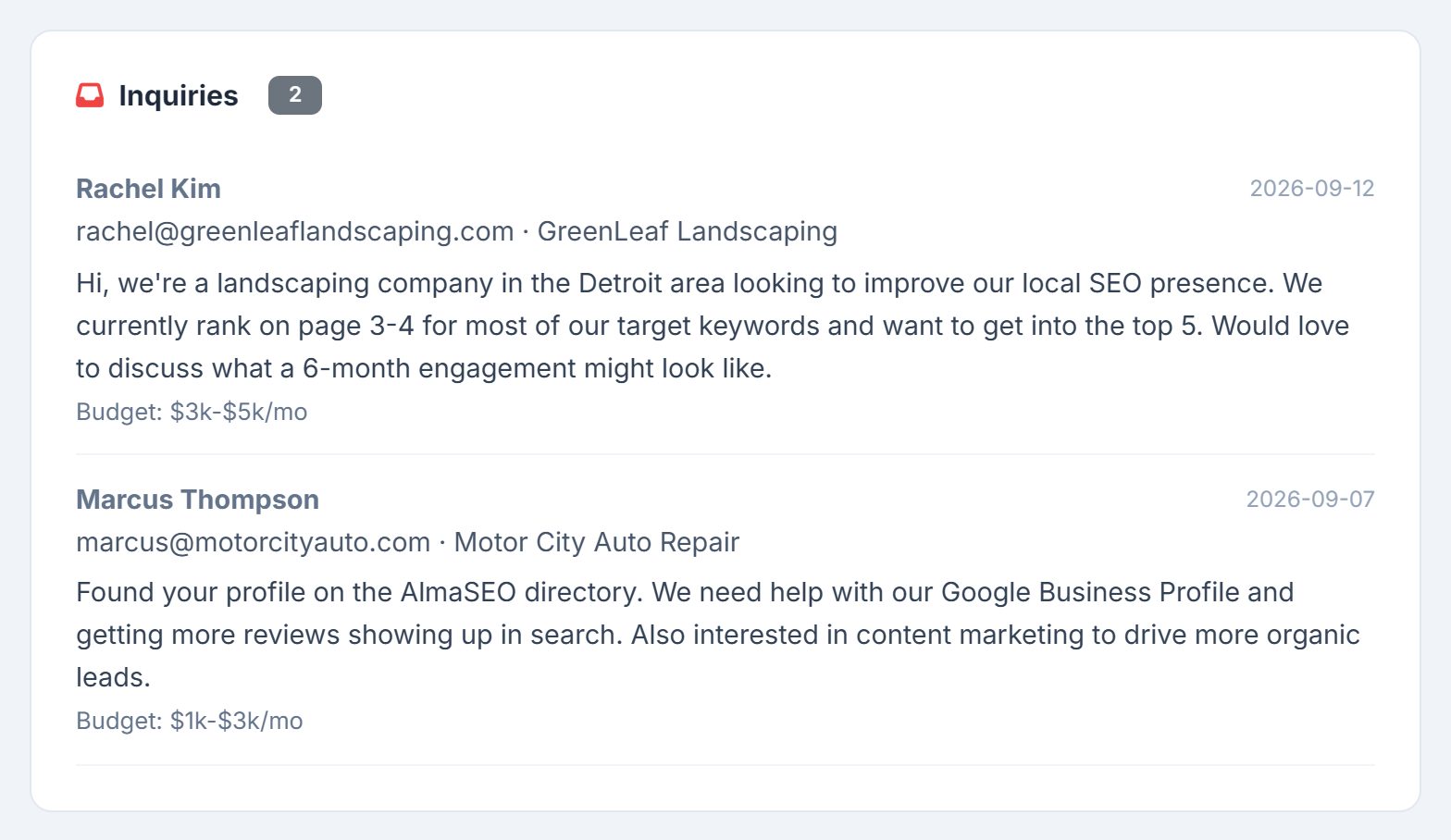
When a prospect sends the form, two things happen. The inquiry is emailed to your Contact Email with their name in the subject line, plus their email, message, and company and budget if they gave them. And it’s added to an Inquiries card at the bottom of your editor, newest first, with a count: each lead’s name, email, company, message, date and budget, so every lead is in one place even if an email goes astray. The Owner and any Manager see the same list.
The partner badge
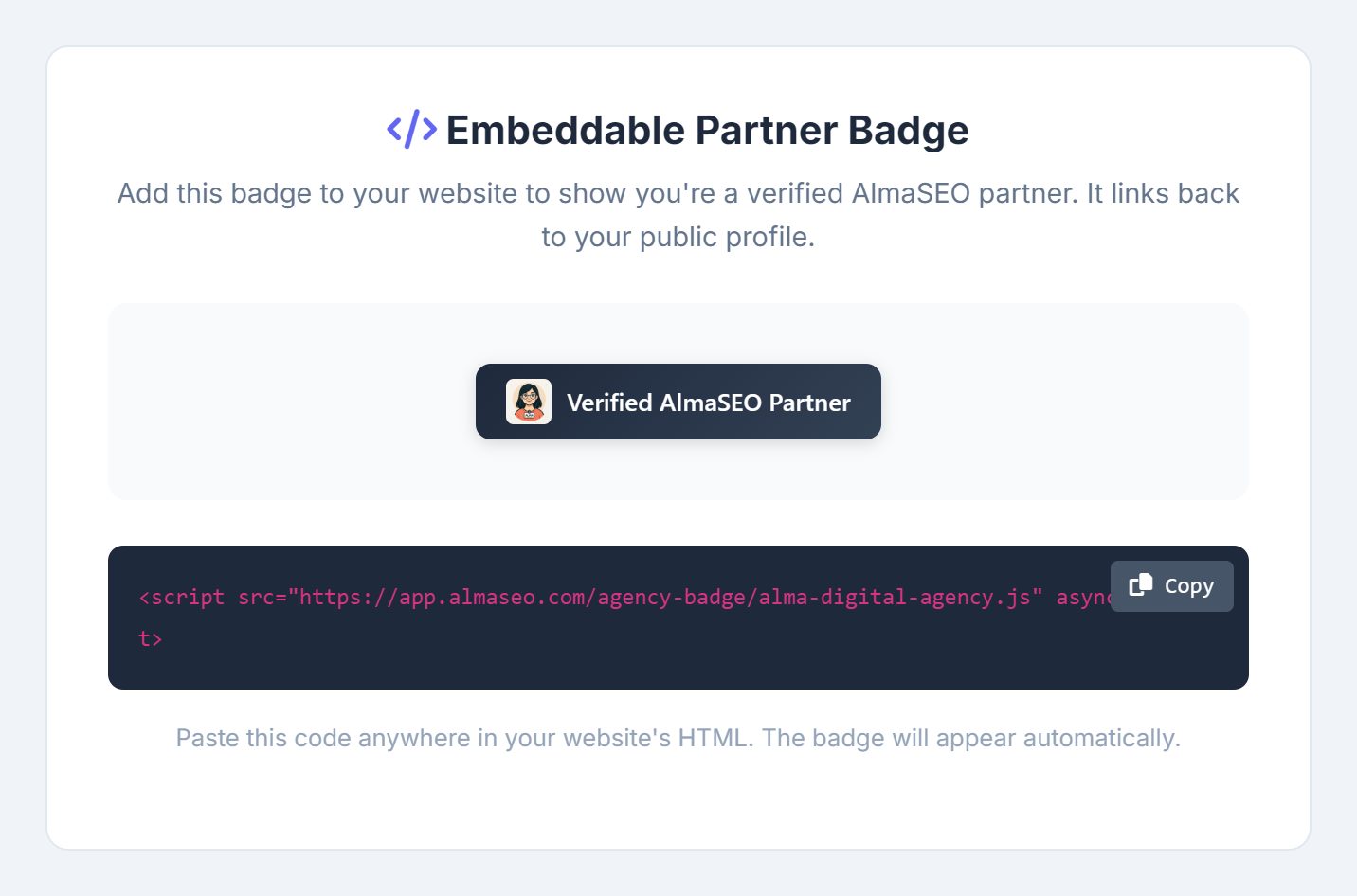
Get Embed Badge opens the badge and the code for it: a single script tag with a Copy button. Paste it anywhere in your website’s HTML and a “Verified AlmaSEO Partner” badge appears, linking to your public profile. It’s a small trust signal on your own site, and every click on it is a visitor reading your case studies.
The snippet is tied to your profile’s web address, which locks at approval, so once you’ve pasted it you can leave it alone — renaming the agency later won’t break it. The badge links back with rel="nofollow": it’s there to be read by people, and it makes no claim on anyone’s rankings.