
Why this matters
Most SEO work stalls in the same place. The audit is done, the problem is found, and the fix sits in a report waiting for someone with access to the site. Weeks later the client asks why nothing changed.
The AI Agent Workspace is that missing step. You connect a client's site once, describe the problem in plain language, and AlmaSEO investigates it, proposes the fix, waits for your approval, makes the change, and writes up what it did.
The business concept: the implementation gap
An agency is paid for results, and results only come from changes that actually ship. The distance between "we recommended it" and "it's live" is the implementation gap, and it's where a lot of retainers quietly fail:
- Recommendations age. A fix that sits for a month is a month of lost traffic.
- Hand-offs leak. Every time a fix goes to a developer, a host or the client's nephew, someone has to explain it again.
- Clients judge outcomes. A beautiful audit nobody acted on looks, to the client, like no work at all.
Closing the gap yourself, safely, is one of the most valuable things an agency can offer.
The SEO concept: a fix isn't done until you've checked it
Two separate questions follow every change:
- Is the change actually live? Caching, a staging copy or a plugin can mean the fix you made isn't what visitors and Google see. Check the live page, not the file.
- Did it help? Rankings move for many reasons: Google updates, competitors, seasons. A ranking that rose after a change didn't necessarily rise because of it. That's correlation, not causation, and an honest agency says so.
Keep those two answers apart and your reports stay trustworthy. The workspace is built the same way: the agent checks the live site during the session, and a checkpoint later compares Search Console numbers before and after.
Walkthrough
Where: AI Agent Workspace, in the sidebar under Tools. Plans: Pro and Agency. It runs on your own Anthropic API key and spends no Data Credits.
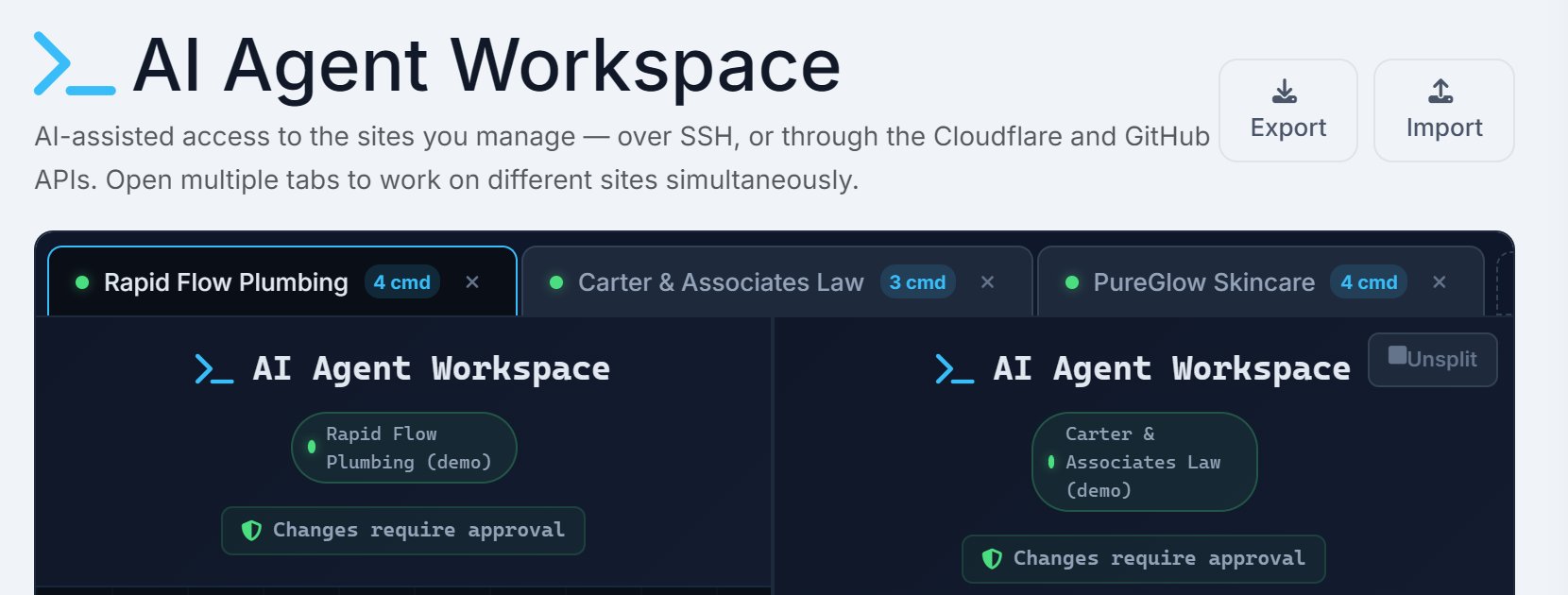
Connect the site once
Open a tab for a site and AlmaSEO asks How is this site hosted?
- Traditional Server for cPanel hosting, a VPS or managed WordPress. AlmaSEO connects over SSH with the host, port, username and a password or key.
- Cloudflare Pages for static sites. AlmaSEO works through the Cloudflare API, and through GitHub if you want it to edit the site's files.
Test Connection checks the details before you save. Then add your Claude API Key once; it covers every site.
Describe the problem
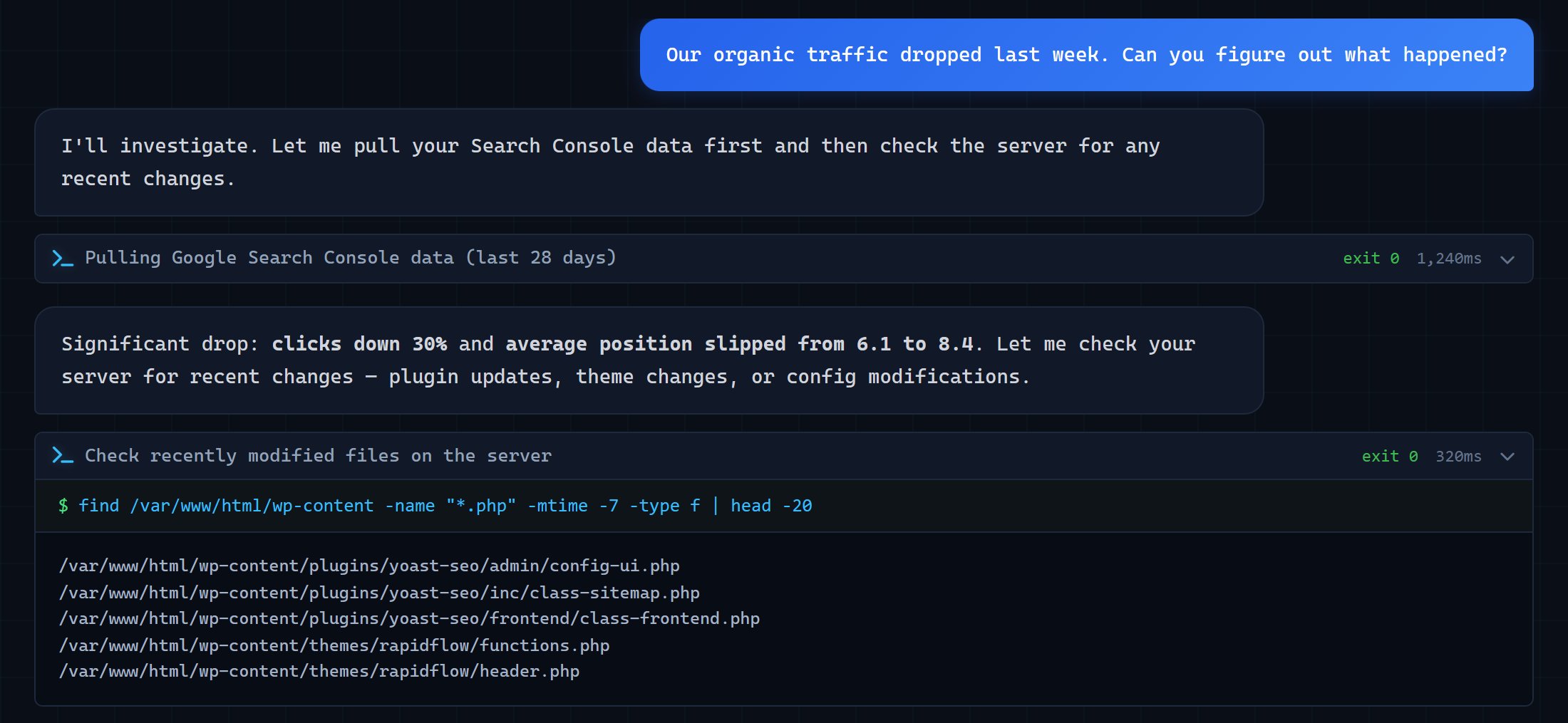
Say what you saw: "Traffic dropped last week." "The contact form stopped sending leads." The agent already knows the site's background (what it's built on, its recent Search Console numbers, its latest crawl) and reads before it touches anything. When it finds something real, it writes up a finding with the evidence and the files involved. + Task adds it to your task list.
Approve each change
| Level | What it covers | What happens |
|---|---|---|
| Safe | Reading files, logs, lookups | Runs on its own |
| Approval Required | Editing files, plugins, cache | Waits for Approve & Run or Deny |
| High-Risk | Deleting, the database, credentials | Always waits, even with auto-approve on |
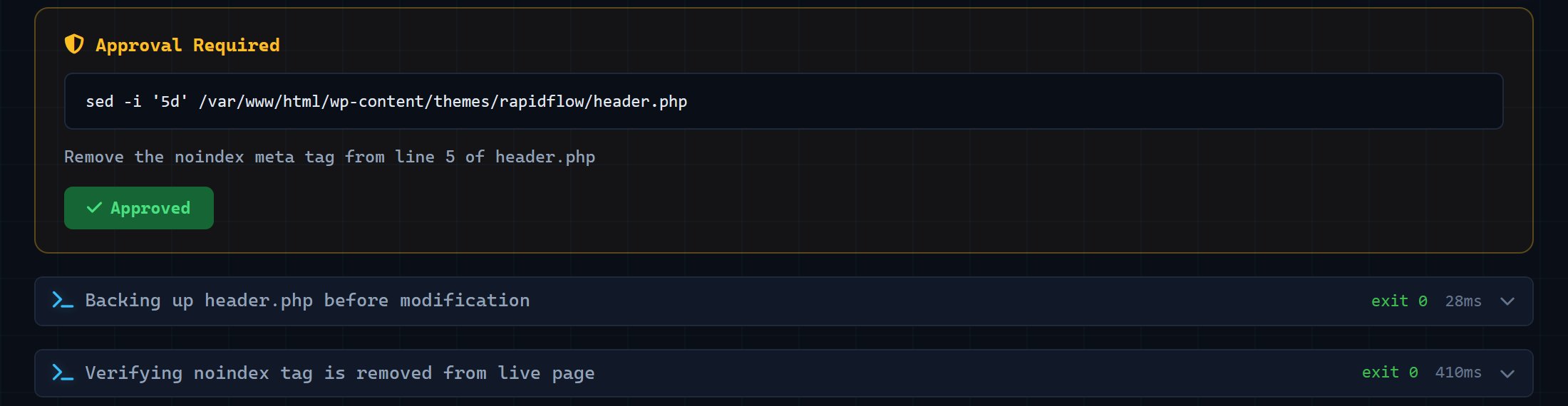
Before an approved edit, AlmaSEO saves a copy of the file. The command block says Backup taken, and Restore puts the file back if the change goes wrong.
Direct mode, for Traditional Server connections, runs Claude Code on the server itself. It's faster, but there are no approval cards and no automatic backups. Keep it for staging servers and sites you own.
Check it, then log it
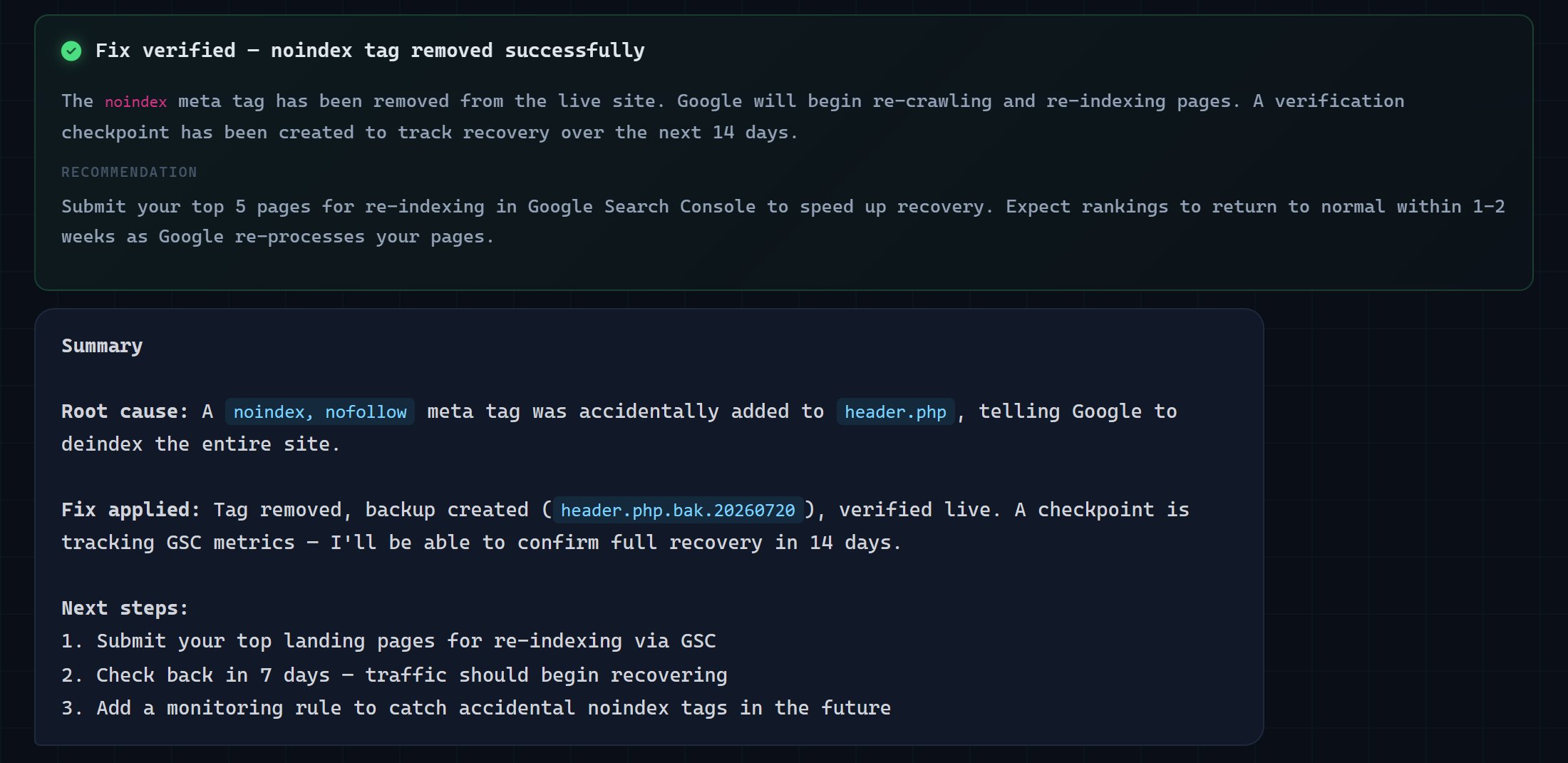
Verifications tracks each change afterwards: Change applied once it's made, then Improved, Declined or Stable once the Search Console data is in. End Session writes the session up, with a Dev Handoff, a Client Explanation and a Claude Code Prompt, and Export to Activity Log puts it in the client's history.
Real-world example: the noindex tag
Rapid Flow Plumbing's organic traffic fell 30% in a week.
- You ask: "Our organic traffic dropped last week. Can you figure out what happened?"
- The agent investigates: it pulls the Search Console numbers, lists the files changed on the server in the last seven days, and finds a
noindex, nofollowtag added to the theme's header. That tag tells Google to drop every page. - It proposes the fix: remove that one line. The Approval Required card shows the exact command. You approve.
- AlmaSEO backs up the file, makes the change, and checks the live page: the tag is gone.
- It sets a checkpoint to compare clicks and positions over the next two weeks.
- You end the session, copy the Client Explanation into your email, and export the session to the activity log. It's the most valuable line in that month's report.
Key takeaways
- The implementation gap, between recommended and live, is where SEO results get lost.
- Describe what you saw and let the agent investigate before anything changes.
- Changes wait for your approval. High-risk ones always do, even with auto-approve on.
- Every approved edit is backed up first, and Restore undoes it.
- Check that a fix is live, then check whether it helped, and keep those two answers separate.
- A ranking that rose after a change didn't necessarily rise because of it. Say so.
- Export each session to the activity log, so the client sees the work.
Next up is SEO News: how to read a Google update and what to tell clients about it. The AI Agent Workspace page shows everything the agent can do on a client site.