
Why this matters
Search changes every week. Google ships updates, AI answers change what people click, and every few months a core update moves rankings across whole industries. Clients read the headlines too, usually the scariest ones.
The agencies clients trust are the ones who already know. That doesn't take hours of reading. It takes a reliable place to look and five minutes a day.
The business concept: be the first calm voice
When something big happens in search, a client's first question is "does this affect us?" If you answer before they ask, you look in control. If they bring you the headline, you're catching up.
A simple habit covers it:
- Every morning, skim the headlines.
- When something matters, decide which clients it touches.
- Tell them early, in two or three calm sentences, before they read about it elsewhere.
The SEO concept: read updates from the source
Not all news is equal. Learn to tell three things apart:
- The announcement. Google says what it changed, usually briefly. That's the primary source, and the only one that says what actually happened.
- The reporting. Publishers explain it, gather examples and track the rollout. Useful, but it's analysis, not the announcement.
- The noise. Screenshots of one site's traffic and loud predictions. Read them last, if at all.
Know the main kinds of update, too:
| Update | What it is | What to do |
|---|---|---|
| Core update | A broad change to how Google assesses content. Sites rise and fall without anything being "wrong" | Wait for the rollout to finish, then compare before and after |
| Spam update | Targets sites breaking Google's spam policies | Check the client isn't doing what it targets |
| Incident | Something broken on Google's side, such as indexing or crawling delays | Usually nothing; it's Google's to fix |
AI search is part of the same picture now. How AI answers cite sources, and which pages they draw from, is reported in the same places, so the same habit keeps you current on it.
Walkthrough
Where: SEO News, in the sidebar under Tools. Plans: every plan, no Data Credits.
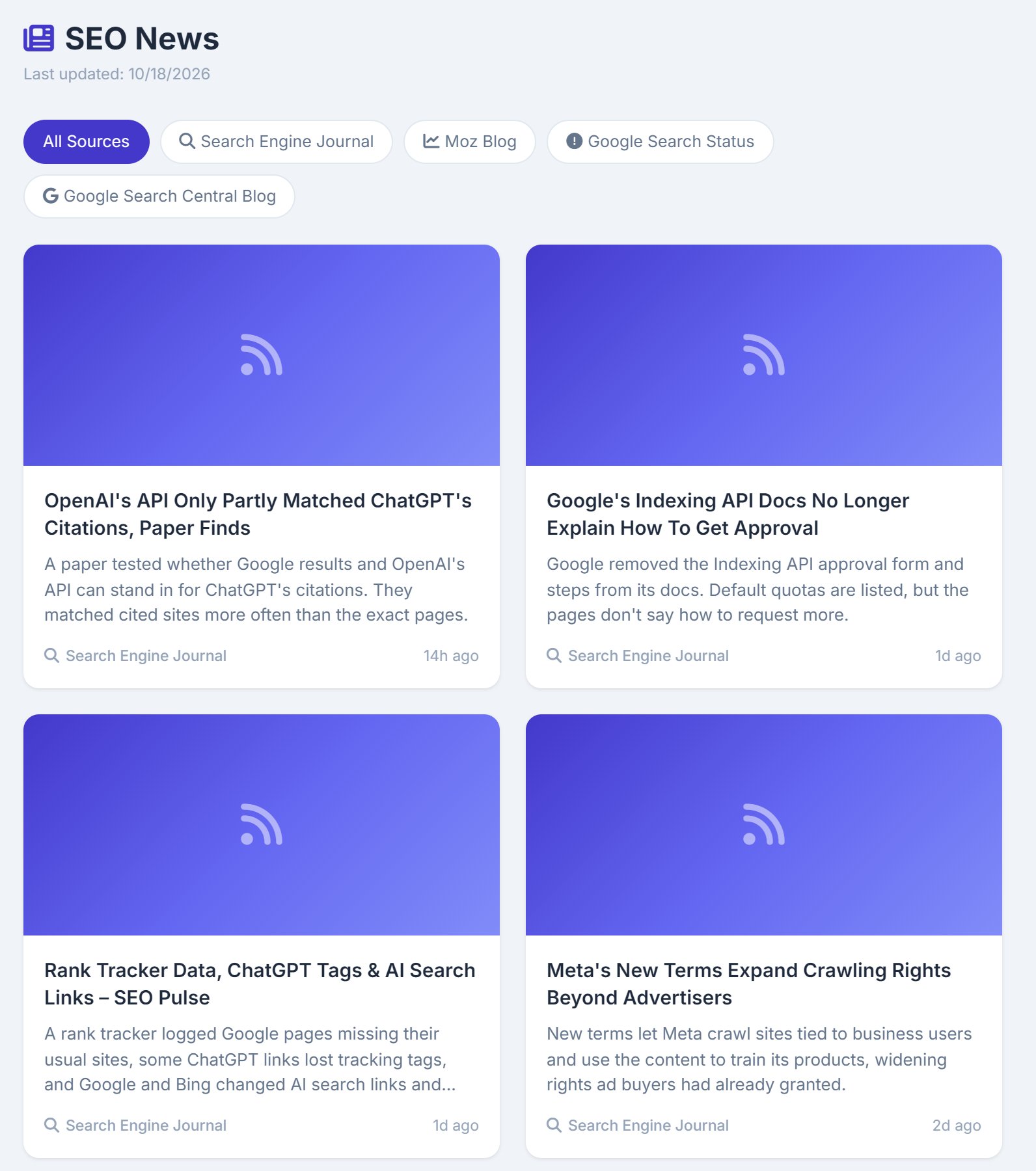
- Look for the badge. When the feed has refreshed since your last visit, the sidebar item says UPDATED.
- Scan the cards. Newest first, from every source: headline, the publisher's short description, and how long ago it came out.
- Narrow it down. Use the source pills to read only Google's own notices, or one publisher.
- Read the original. Click a card and the article opens on the publisher's site.
The feed refreshes once a day and shows the publishers' own headlines, unchanged.
Real-world example: the Tuesday core update
- Tuesday, 8:40am: SEO News shows UPDATED. At the top, Google Search Status announces a core update that will take about two weeks to roll out.
- 8:45am: you read the industry reporting underneath. Early reports say local service sites are moving.
- 9:00am: you send a three-line note in your newsletter: what changed, that rankings may move for a couple of weeks, and that you're watching each client's top pages.
- Day 4: a plumbing client's rankings dip. They don't panic; they already knew.
- After the rollout: you compare before and after. One page lost ground, so you plan improvements to it, now that the update has settled.
Key takeaways
- Five minutes a day with a reliable source beats an hour of scrolling.
- Start from the announcement, then read the reporting. Skip the noise.
- Core updates aren't penalties. Wait for the rollout to end before reacting.
- Tell clients early, calmly, and in your own words.
- SEO News shows the publishers' own headlines, refreshed daily, on every plan.
Next up is Client Site Overview, the first lesson from inside a client site.